If Gmail blocks your emails, rejects your messages, or sends them directly to spam, it can quickly affect customer communication, marketing campaigns, and business reputation. The problem is usually not caused by one single factor. Gmail evaluates several signals, including sender reputation, authentication, recipient engagement, message content, sending behavior, and spam complaints.
For businesses, understanding why Gmail blocks emails is essential for maintaining reliable email deliverability. Whether you are sending transactional emails, newsletters, or bulk campaigns, following authentication and sending best practices can significantly reduce delivery problems.
In this guide, we explain the most common reasons Gmail blocks emails and practical solutions you can use to improve your sending reputation.
What Does It Mean When Gmail Blocks an Email?
Gmail can take different actions when it considers an email suspicious. It may reject the message during delivery, temporarily defer it, place it in the spam folder, or accept it but limit its visibility.
These outcomes are different from one another. A temporary rejection may indicate a sending-volume or reputation problem, while spam placement can be influenced by content, authentication, recipient behavior, or previous complaints.
For businesses, the goal should not simply be to “avoid the spam folder.” The bigger objective is to build a trustworthy sending infrastructure that Gmail and other mailbox providers can consistently recognize as legitimate.
1. Your Domain Is Not Properly Authenticated
One of the biggest reasons Gmail may distrust business email is incomplete or incorrect authentication.
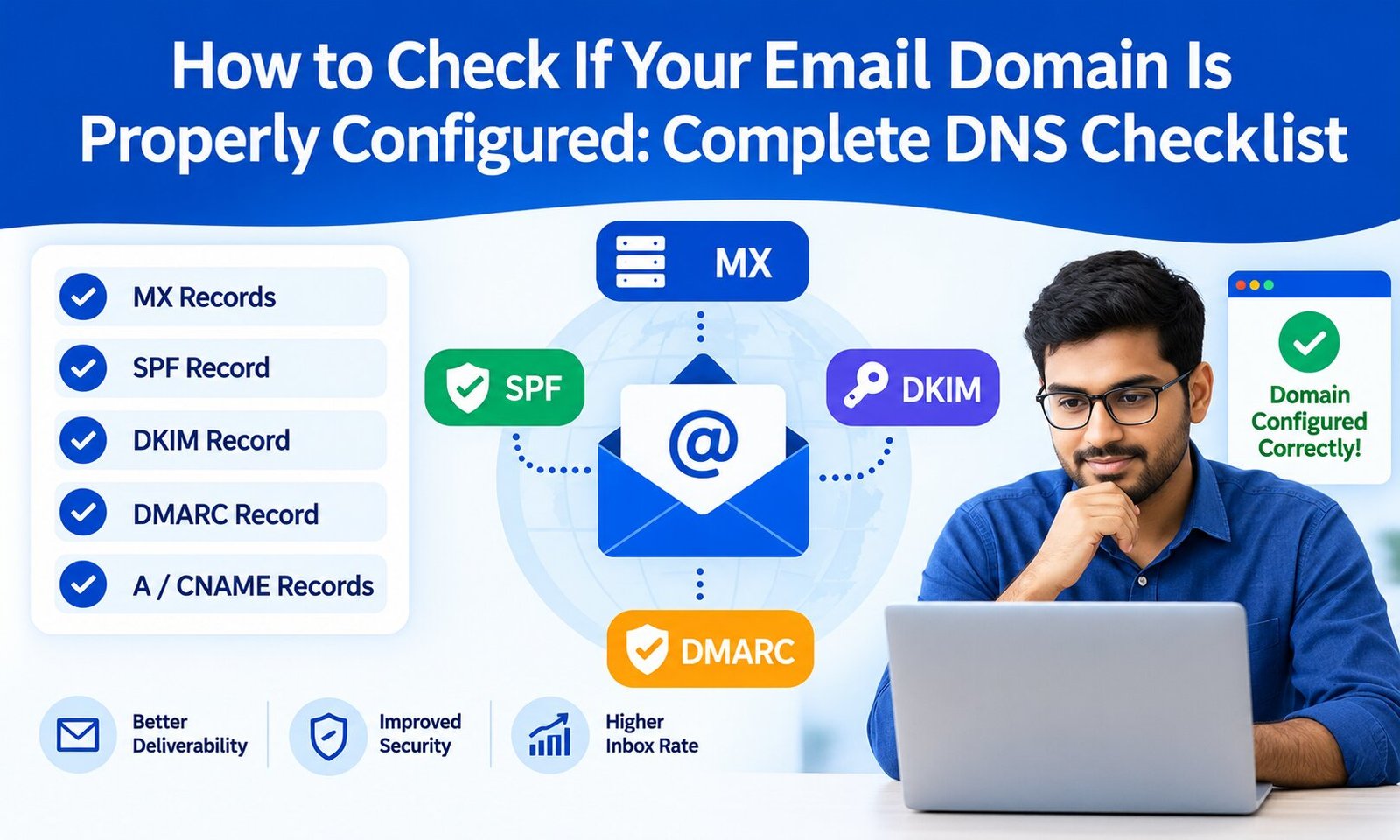
Modern email authentication commonly involves:
- SPF (Sender Policy Framework): Identifies servers authorized to send email for your domain.
- DKIM (DomainKeys Identified Mail): Adds a cryptographic signature that helps verify message authenticity.
- DMARC (Domain-based Message Authentication, Reporting, and Conformance): Builds on SPF and DKIM and tells receiving servers how to handle messages that fail authentication.
If these records are missing, incorrectly configured, or not aligned with your sending domain, Gmail has fewer reasons to trust your messages.
Solution: Check your domain’s SPF and DKIM configuration and implement DMARC appropriately. Make sure your email platform, SMTP server, and domain settings are correctly aligned.
2. Your Sending Reputation Is Poor
Gmail pays close attention to sender reputation. If your domain or IP address has a history of spam complaints, high bounce rates, suspicious activity, or poor engagement, future emails may face stricter filtering.
Reputation is built gradually. A new domain suddenly sending thousands of emails can appear very different from an established sender with consistent, permission-based communication.
Solution: Monitor your sending reputation, maintain clean mailing lists, send relevant content, and avoid sudden unexplained increases in volume.
Using Gmail Postmaster Tools explained as a reference can also help businesses understand important Gmail-related reputation and delivery signals.
3. Too Many Recipients Mark Your Emails as Spam
Spam complaints are a strong negative signal. Even if your email is technically legitimate, repeated complaints can make Gmail less confident about delivering future messages.
This is why sending to a large list is not automatically a good strategy. A campaign with thousands of recipients but poor engagement can damage your reputation more than a smaller, highly engaged campaign.
Solution: Send emails only to people who have a legitimate reason to receive them. Make unsubscribe options easy to find and remove recipients who repeatedly ignore or complain about your emails.
4. Your Email List Contains Invalid Addresses
Old or purchased email lists can contain inactive, invalid, or abandoned addresses. Sending repeatedly to these accounts can increase hard bounces and negatively affect your overall sending quality.
A high bounce rate is particularly concerning for businesses that depend on regular campaigns.
Solution: Regularly clean your mailing list and use email verification before launching large campaigns. Remove invalid addresses rather than repeatedly attempting delivery.
For businesses managing large databases, email verification explained: benefits, process and best tools is a useful related resource for maintaining list quality.
5. You Are Sending Too Many Emails Too Quickly
Sending behavior matters. A sudden spike in volume can trigger additional scrutiny, particularly for a new domain, new IP address, or sender with limited historical reputation.
For example, if a new business domain normally sends a few dozen messages per day and suddenly sends tens of thousands, Gmail may interpret that behavior as unusual.
Solution: Increase volume gradually and maintain a predictable sending pattern. When introducing a new domain or infrastructure, use a controlled warm-up strategy rather than immediately sending at maximum capacity.
6. Your Email Content Looks Like Spam
Email content can also contribute to filtering. Excessive promotional language, misleading subject lines, suspicious links, excessive formatting, or deceptive calls to action can make messages look less trustworthy.
This does not mean every promotional email will be blocked. Gmail evaluates content alongside other signals, including sender reputation and recipient engagement.
Solution: Write clear, accurate subject lines and provide genuine value. Avoid deceptive wording, unnecessary urgency, excessive capitalization, and links that lead to questionable or unrelated destinations.
7. Your IP Address Has a Bad Reputation
If you send email through an SMTP server, the reputation of the sending IP can influence delivery. Shared IP addresses may also be affected by the behavior of other senders using the same infrastructure.
A dedicated IP can provide greater control, but it does not automatically solve deliverability problems. A poorly managed dedicated IP can develop a bad reputation just as easily.
Solution: Choose reliable email infrastructure, monitor IP reputation, maintain proper authentication, and follow responsible sending practices.
8. Gmail Detects Suspicious Sending Behavior
Gmail’s filtering systems can identify unusual patterns such as inconsistent volume, questionable authentication, repeated delivery failures, or unexpected changes in sending behavior.
If multiple warning signs occur simultaneously, Gmail may temporarily restrict or reject messages.
Solution: Maintain consistent sending practices. If you receive SMTP errors or temporary delivery failures, examine the response code and investigate the underlying cause instead of repeatedly retrying without fixing the problem.
9. Your Recipients Do Not Engage With Your Emails
Recipient engagement can influence how mailbox providers evaluate email streams. If recipients consistently ignore your emails, delete them without reading, unsubscribe, or report them as spam, your future messages may have more difficulty reaching the inbox.
Solution: Segment your audience and send relevant content to the right people. Remove inactive subscribers when appropriate and avoid sending every campaign to your entire database.
10. Your Email Infrastructure Is Misconfigured
Technical configuration problems can cause legitimate emails to fail. Incorrect DNS records, broken DKIM signatures, invalid reverse DNS configuration, poor SMTP settings, and inconsistent domain identity can all create delivery issues.
Before changing your marketing strategy, verify that your technical foundation is working correctly.
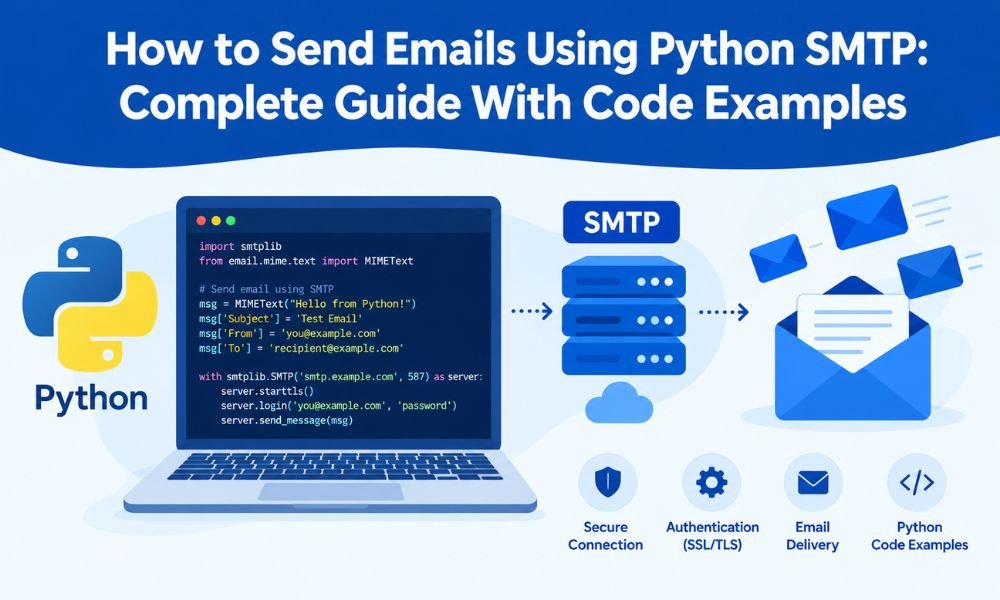
Solution: Review DNS, SPF, DKIM, DMARC, SMTP configuration, bounce handling, and server reputation. If you manage your own SMTP infrastructure, monitor delivery logs and SMTP response codes regularly.
How to Stop Gmail From Blocking Your Emails
The most effective approach is to treat deliverability as an ongoing process rather than a one-time technical fix.
Follow these practices:
- Authenticate your sending domain with SPF, DKIM, and DMARC.
- Send only to permission-based and relevant recipients.
- Clean invalid and inactive addresses regularly.
- Monitor bounce rates and spam complaints.
- Avoid sudden increases in sending volume.
- Maintain consistent sending patterns.
- Use reputable SMTP or email delivery infrastructure.
- Create useful, transparent, and relevant email content.
- Make unsubscribing straightforward.
- Monitor domain and IP reputation regularly.
Final Thoughts
So, why does Gmail block email? In most cases, the answer involves a combination of authentication, sender reputation, recipient engagement, sending volume, list quality, content, and technical configuration.
The good news is that most deliverability problems can be addressed with the right process. Start by checking authentication and SMTP configuration, then review bounce rates, spam complaints, list quality, and sending patterns. Avoid shortcuts such as purchased email lists or aggressive volume increases.
For businesses that rely heavily on email marketing or transactional communication, maintaining a healthy sender reputation should be an ongoing priority. When Gmail sees consistent, authenticated, relevant, and wanted email traffic, your chances of reaching the inbox improve significantly.
The key takeaway: Gmail does not simply block emails because they are promotional or sent in large quantities. It evaluates whether the overall sending behavior appears trustworthy. Build that trust through proper authentication, responsible list management, consistent sending practices, and useful content, and you can create a much stronger foundation for long-term email deliverability.