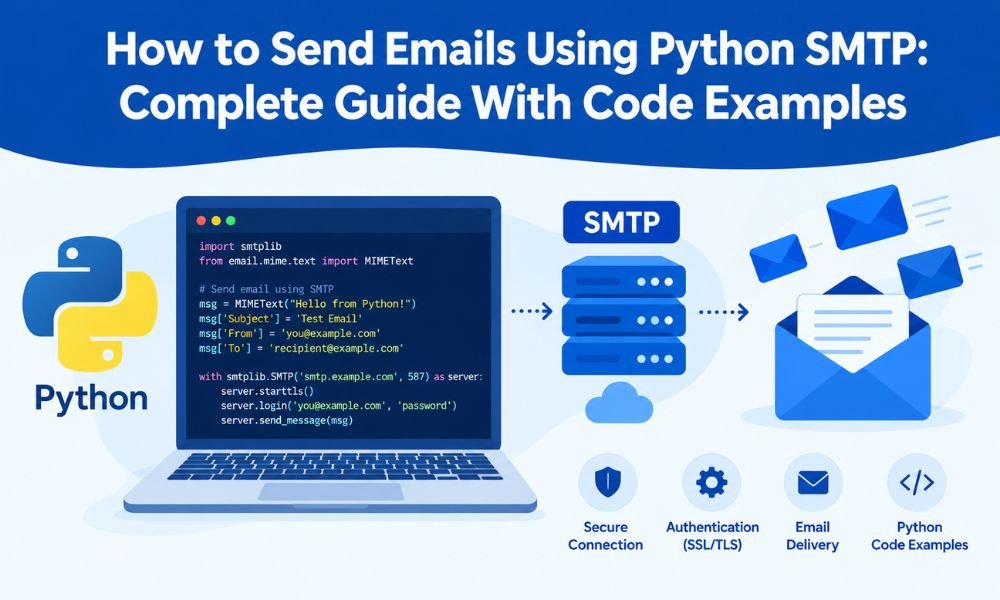
Sending emails programmatically is a common requirement in web applications, SaaS platforms, e-commerce websites, and automation workflows. Python makes this process straightforward with its built-in smtplib library, which allows developers to connect to an SMTP server and send emails without installing additional email-sending packages.
In this guide, you will learn how to send emails using Python SMTP, configure secure connections, send HTML messages, add attachments, and troubleshoot common errors.
What Is SMTP in Python?
SMTP (Simple Mail Transfer Protocol) is the standard protocol used to send emails between mail clients and servers. Python’s smtplib module provides the functionality needed to communicate with an SMTP server and submit outgoing messages.
To send an email, you generally need an SMTP hostname, port number, authentication credentials, and a verified sender address.
Common SMTP configurations include:
- Port 587 for SMTP with STARTTLS encryption.
- Port 465 for SMTP over implicit TLS.
- An authenticated SMTP account or service provider.
Your provider’s documentation should always be the final reference for connection settings and authentication requirements.
1. Prepare Your Python Environment
Most modern Python installations include smtplib and the email package. You can confirm your Python installation by running:
python --versionNext, obtain SMTP credentials from your email provider. These may come from Gmail, your business email host, or a dedicated SMTP service.
For security, store credentials in environment variables instead of hardcoding passwords directly into your Python script.
For example, on Linux or macOS:
export SMTP_HOST=”smtp.example.com”
export SMTP_PORT=”587″
export SMTP_USER=”your-account@example.com”
export SMTP_PASSWORD=”your-app-password”
Replace these example values with the actual settings supplied by your provider.
2. Send a Basic Email Using Python SMTP
The following example sends a plain-text email using an SMTP connection secured with STARTTLS.
import os
import smtplib
import ssl
from email.message import EmailMessage

smtp_host = os.environ["SMTP_HOST"]
smtp_port = int(os.environ.get("SMTP_PORT", "587"))
smtp_user = os.environ["SMTP_USER"]
smtp_password = os.environ["SMTP_PASSWORD"]

message = EmailMessage()
message["Subject"] = "Test Email from Python"
message["From"] = smtp_user
message["To"] = "recipient@example.com"
message.set_content(
    "Hello! This email was sent using Python SMTP."
)

context = ssl.create_default_context()

with smtplib.SMTP(smtp_host, smtp_port, timeout=30) as server:
    server.ehlo()
    server.starttls(context=context)
    server.ehlo()
    server.login(smtp_user, smtp_password)
    server.send_message(message)

print("Email submitted successfully.")
Change recipient@example.com to a real recipient address you are authorized to contact.
The script establishes a connection, upgrades it to TLS encryption, authenticates the sender, and submits the message. The with statement ensures the connection is closed cleanly.
Important: A successful SMTP submission does not guarantee inbox delivery. The recipient’s mail server may still filter, reject, or defer the message.
3. Send an HTML Email Using Python
HTML emails are useful when you need formatted text, headings, links, or branded layouts.
You can add an HTML alternative to your existing EmailMessage object:
message.set_content(
    "Hello! View this message in an HTML-capable email client."
)

message.add_alternative(
    """
    <html>
      <body>
        <h2>Welcome!</h2>
        <p>Your email was sent using <strong>Python SMTP</strong>.</p>
        <p><a href="https://example.com">Visit our website</a></p>
      </body>
    </html>
    """,
    subtype="html"
)
Use both plain-text and HTML versions when possible. This provides a readable alternative for email clients that do not display HTML content.
Keep your design mobile-friendly, include meaningful links, and avoid unnecessary formatting that makes the message difficult to read.
4. Send an Email Attachment
Python can also send files such as PDFs, reports, and invoices through SMTP.
Add the following code after creating your message and before sending it:
from pathlib import Path

file_path = Path("report.pdf")

with file_path.open("rb") as file:
    message.add_attachment(
        file.read(),
        maintype="application",
        subtype="pdf",
        filename=file_path.name
    )
This example attaches a PDF file named report.pdf. Make sure the file exists and that your application is authorized to share it.
For production applications, validate file types, limit attachment sizes, and avoid sending confidential information to unverified recipients.
5. Understand SMTP Ports and Encryption
Choosing the correct port is essential for a reliable SMTP connection.
- Port 587: Commonly used with STARTTLS, which upgrades the connection to TLS.
- Port 465: Commonly used with implicit TLS, where encryption starts immediately.
- Port 25: Primarily used for mail-server transfers and is often restricted for application email submission.
For port 465, use smtplib.SMTP_SSL() with a default SSL context instead of calling starttls().
Your SMTP provider may impose additional connection or authentication requirements. For a deeper explanation, see this guide to SMTP ports and the differences between 25, 465, and 587.
6. Common Python SMTP Errors and How to Fix Them
Even correctly written code can fail when server settings, credentials, or network restrictions are incorrect.
Authentication errors: Verify your username, password, and provider-specific authentication requirements. Some providers require an app password or OAuth rather than a regular account password.
Connection timeouts: Check the SMTP hostname, port, firewall rules, and hosting provider restrictions. Confirm that outbound SMTP connections are permitted.
TLS or certificate errors: Use a valid hostname and ssl.create_default_context(). Avoid disabling certificate verification to bypass connection problems.
Recipient or sender rejected: Confirm that the recipient address is valid and that your provider authorizes the sender address or domain.
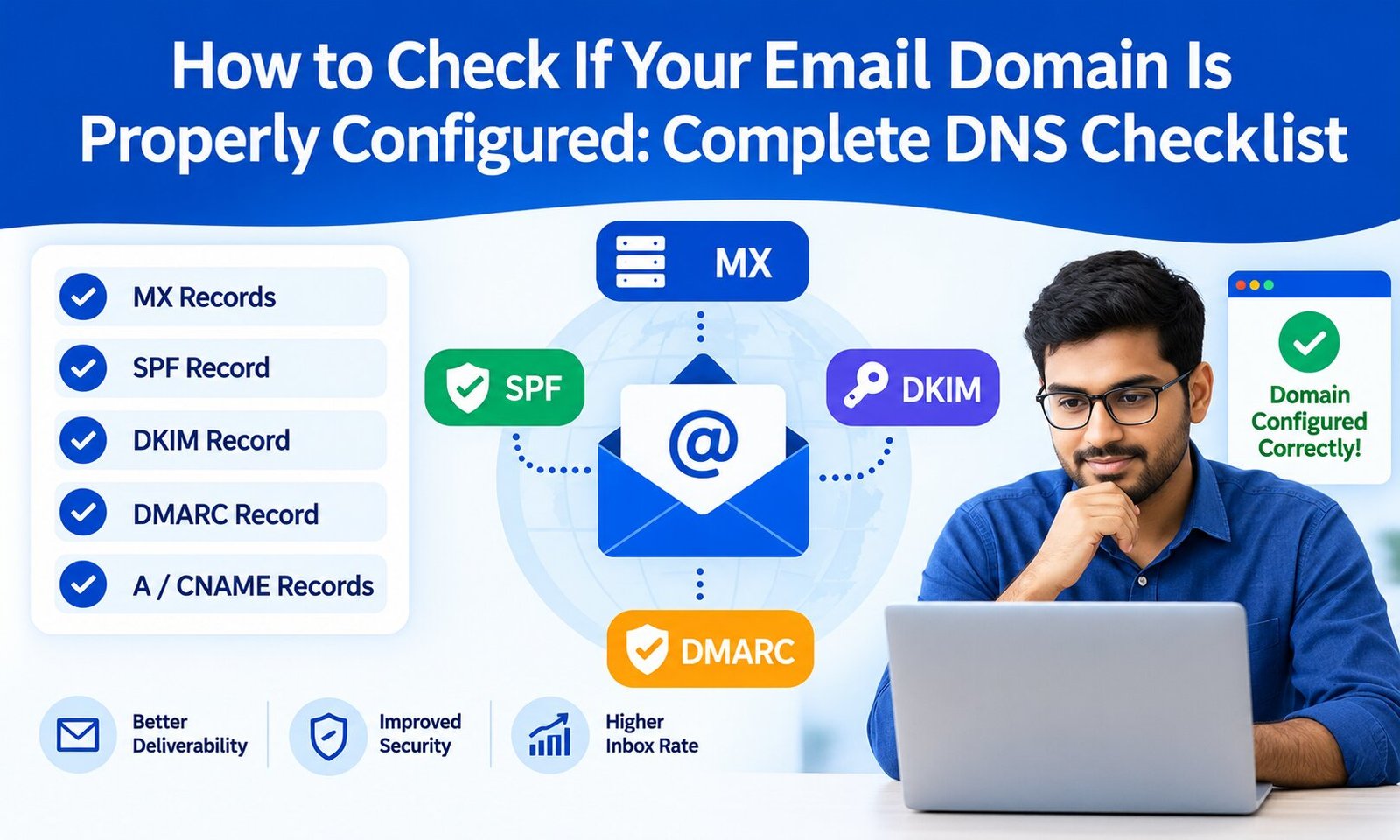
Emails landing in spam: Check your domain authentication, sender reputation, bounce rates, and sending practices. Review this guide on checking your email domain’s DNS configuration to understand the records that support reliable email delivery.
During development, catch and log relevant SMTP exceptions without exposing passwords or sensitive message content in application logs.
7. Best Practices for Production Applications
A working SMTP script is a useful starting point, but production systems need additional safeguards.
- Store credentials in environment variables or a managed secrets service.
- Use TLS and verify server certificates.
- Add sensible connection timeouts and controlled retries.
- Handle temporary failures differently from permanent rejections.
- Validate recipient addresses and monitor bounce rates.
- Respect consent, unsubscribe requests, and applicable email regulations.
- Avoid sending large volumes of email without checking provider limits.
- Monitor logs and delivery metrics without recording sensitive information.
If your application sends frequent notifications or transactional messages, consider a dedicated SMTP service with delivery reporting, documented rate limits, and scalable infrastructure.
For bulk campaigns, implement rate limiting and queue-based sending rather than placing a large number of emails into a single uncontrolled loop.
Conclusion
Python’s smtplib and email.message modules provide a practical way to send plain-text messages, HTML emails, and attachments through an SMTP server.
Start with a secure authenticated connection, use the correct port and encryption method, protect credentials, and handle errors carefully. As your application grows, add monitoring, retry logic, queue management, and appropriate sending limits.
By combining reliable Python code with proper email authentication and responsible sending practices, you can build an email workflow that is easier to maintain and more dependable in production.