Launching a new email domain, SMTP server, or dedicated sending IP can be exciting for a business—but sending a large volume of emails immediately can create serious deliverability problems. This is where email warm-up becomes important.
Email warm-up is the gradual process of increasing email-sending activity so mailbox providers can observe your sending behavior, authentication, engagement, and reputation over time. Instead of suddenly sending thousands of messages, businesses build a consistent and trustworthy sending history.
For companies using SMTP servers for marketing, transactional communication, or business outreach, a proper warm-up strategy can help reduce delivery problems and create a healthier foundation for long-term email performance.
What Is Email Warm-Up?
Email warm-up is the controlled increase of email-sending volume from a new or previously inactive domain, IP address, or SMTP infrastructure.
When an SMTP server starts sending emails, mailbox providers such as Gmail evaluate numerous signals. These can include authentication, sending patterns, recipient engagement, spam complaints, bounce behavior, and domain or IP reputation.
Therefore, warm-up is not simply about sending more emails every day. It is about building a positive sending reputation through legitimate and wanted email activity.
Google’s current sender guidance recommends increasing volume slowly, sending consistently, starting with engaged recipients, and monitoring server responses, spam rates, and domain reputation.
Why Is Email Warm-Up Important for SMTP Servers?
A new SMTP server or dedicated IP generally does not have an established sending reputation. Sending a very large campaign immediately can look unusual to receiving systems.
For example, imagine a newly configured SMTP server that sends only a few emails during its first week and then suddenly attempts to deliver 50,000 messages in one day. That sharp change in behavior may create additional scrutiny from mailbox providers.
A gradual warm-up provides an opportunity to establish a predictable sending pattern.
The major benefits include:
1. Builds Sender Reputation
Sender reputation is one of the most important factors influencing email deliverability. A positive history of legitimate email activity can help establish trust with receiving systems.
During warm-up, focus on sending relevant messages to recipients who have genuinely opted in and are likely to interact with your emails.
2. Reduces Sudden Volume Spikes
Sudden increases in sending volume can create delivery problems. Google specifically recommends increasing volume slowly and maintaining a consistent sending rate rather than sending email in bursts.
A controlled SMTP warm-up schedule helps your infrastructure develop a more predictable pattern.
3. Helps Identify Technical Problems
Warm-up also gives your technical team time to identify configuration problems before they affect a large campaign.
You can monitor:
- SMTP response codes
- Hard and soft bounces
- Authentication failures
- Delivery errors
- Spam complaints
- Domain reputation
- IP reputation
- Recipient engagement
This makes warm-up both a reputation-building process and a practical testing period.
SMTP Authentication Should Come First
Before increasing your sending volume, make sure your email authentication is correctly configured.
At minimum, businesses should understand SPF, DKIM, and DMARC and how these technologies protect their sending domain.
Google currently requires senders to Gmail to use SPF or DKIM, while bulk senders sending 5,000 or more messages per day to Gmail accounts must use SPF, DKIM, and DMARC. Google also requires TLS and valid DNS configuration for applicable senders.
Authentication should therefore be completed before serious warm-up activity begins.
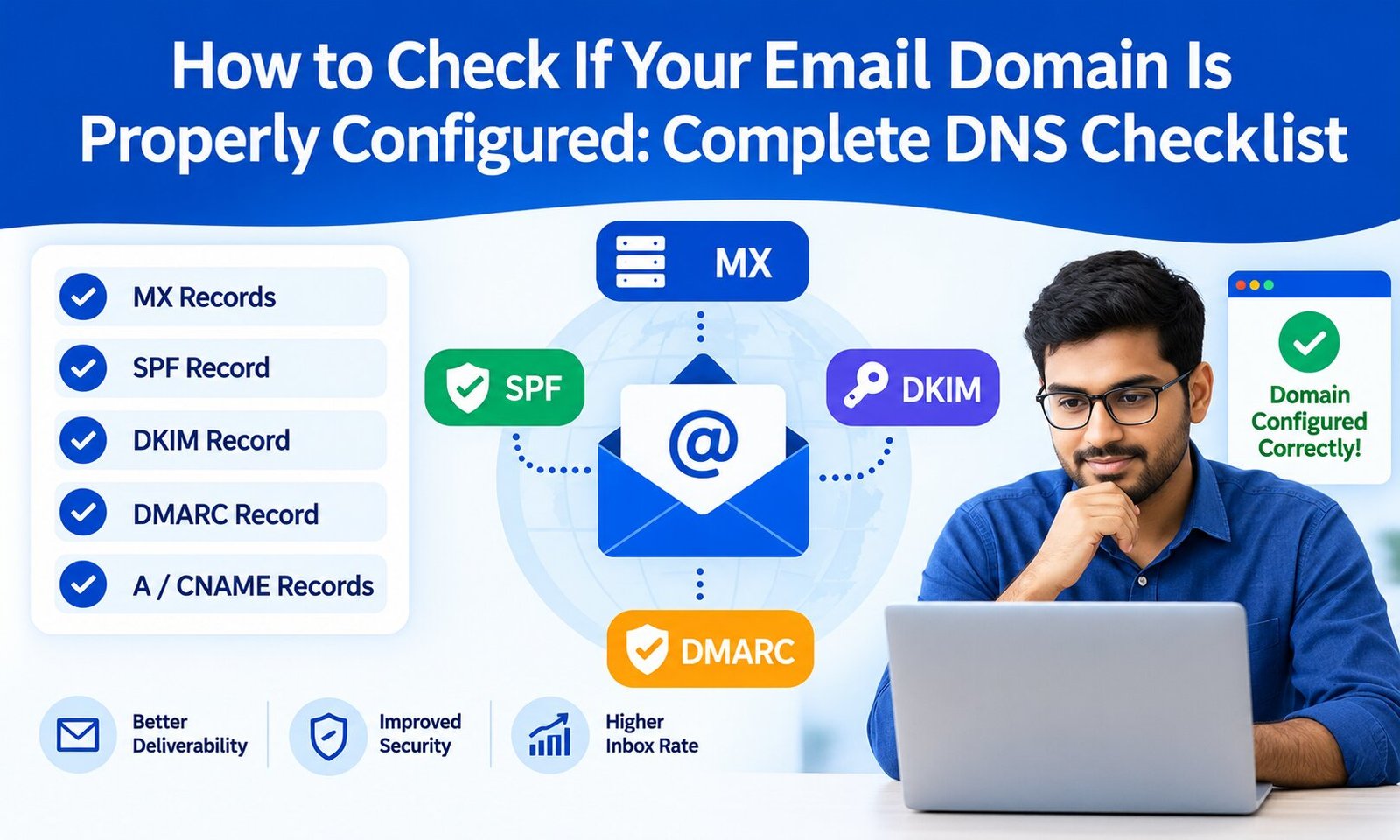
A typical setup includes:
- SPF: Identifies authorized sending servers.
- DKIM: Adds a cryptographic signature to authenticate messages.
- DMARC: Helps receiving providers determine how to handle authentication failures and improves domain protection.
- PTR/rDNS: Helps establish appropriate identity for sending IP infrastructure.
- TLS: Encrypts email transmission between supported mail servers.
If your SMTP configuration is not technically sound, warming it up will not solve the underlying problem.
How to Warm Up an SMTP Server Safely
There is no universal warm-up number that works for every business. The appropriate schedule depends on factors such as domain history, IP reputation, recipient quality, normal sending volume, and the mailbox providers you target.
A safer approach is to start with a relatively small number of highly engaged, permission-based recipients and gradually increase volume.
For example:
Early stage: Send to a small group of active subscribers.
Growth stage: Increase volume gradually while monitoring delivery and engagement.
Established stage: Continue increasing toward your normal volume only when performance remains healthy.
The objective is not to hit a specific number of emails as quickly as possible. The objective is to demonstrate consistent, legitimate sending behavior.
Businesses should avoid purchasing email lists or using warm-up as a method to make unsolicited bulk email appear legitimate. Warm-up cannot turn unwanted email into wanted email.
Monitor Engagement and Bounce Rates
One of the biggest mistakes businesses make is focusing only on the number of emails successfully accepted by an SMTP server.
Acceptance is not the same as inbox placement.
Monitor important metrics such as:
- Delivery rate
- Hard-bounce rate
- Soft-bounce rate
- Spam complaints
- Click-through rate
- Unsubscribe rate
- Engagement trends
- Domain reputation
- IP reputation
Google’s Postmaster Tools provides dashboards for spam rate, IP reputation, domain reputation, authentication, encryption, and delivery errors for mail sent to personal Gmail accounts.
For businesses serious about deliverability, these signals provide valuable evidence about whether an SMTP warm-up strategy is working.
You can also learn more about the technical side of bounce monitoring in our guide to monitoring email bounce rates with advanced analytics tools.
Keep Your Sending Volume Consistent
Consistency matters after warm-up as well.
Suppose your SMTP infrastructure normally sends 10,000 emails per day. Suddenly sending 100,000 emails and then returning to almost zero activity creates an unusual pattern.
Google recommends sending at a consistent rate and avoiding bursts. It also advises senders to begin with low volume directed toward engaged users and gradually increase volume over time.
This means businesses should develop a realistic sending schedule based on their actual communication needs rather than artificially inflating volume.
Don’t Ignore List Quality
SMTP warm-up cannot compensate for poor recipient data.
If your database contains inactive, invalid, purchased, or unengaged addresses, increasing your sending volume can increase bounces and complaints.
Before and during warm-up:
- Remove invalid addresses.
- Use confirmed or permission-based subscribers.
- Avoid purchased lists.
- Segment highly engaged recipients.
- Make unsubscribing easy.
- Remove or suppress persistent non-engagers where appropriate.
- Monitor complaints closely.
Google recommends sending only to recipients who want your messages and confirming recipient addresses before subscribing them.
For businesses building a new sending program, our guide on how to warm up new email domains without hurting deliverability provides useful complementary information.
What Should You Avoid During SMTP Warm-Up?
Several practices can damage your reputation rather than improve it.
Avoid:
- Sending thousands of emails immediately from a new IP.
- Using purchased or scraped email databases.
- Ignoring hard bounces.
- Continuing to mail recipients who repeatedly complain.
- Changing domains or IPs repeatedly to escape reputation problems.
- Sending misleading subject lines.
- Hiding unsubscribe options.
- Using poor-quality SMTP infrastructure.
- Treating open rates as the only measure of success.
- Assuming a successful SMTP response guarantees inbox placement.
Google also notes that it does not track or verify third-party open-rate accuracy, making broader deliverability and reputation signals important.
Email Warm-Up Is More Than Increasing Numbers
A successful SMTP warm-up process combines technical authentication, gradual volume growth, recipient quality, engagement, monitoring, and consistency.
Think of it as establishing a track record. Your SMTP server, domain, and IP need to demonstrate that they are being used for legitimate communication with recipients who actually want to receive the messages.
Once your infrastructure has established a healthy reputation, you should continue monitoring performance instead of considering warm-up permanently finished. Email reputation can change when sending patterns, recipient behavior, content, infrastructure, or complaint levels change.
Final Thoughts
Email warm-up is an important step for businesses introducing a new SMTP server, domain, or dedicated IP. The right approach is gradual, measurable, and based on genuine recipient engagement—not simply sending an increasing number of messages.
Start with proper SPF, DKIM, DMARC, DNS, and TLS configuration. Then send consistently to engaged recipients, increase volume carefully, monitor bounces and complaints, and use tools such as Google Postmaster Tools to understand reputation and delivery performance.
Most importantly, remember that good email deliverability is earned through consistent, trustworthy sending behavior. A properly warmed SMTP infrastructure can provide a stronger foundation for marketing campaigns and business communication, but it works best when combined with high-quality lists, useful content, authentication, and responsible email practices.