Launching a new email domain can be exciting, but sending a large volume of emails immediately is one of the fastest ways to damage its sender reputation. A new domain has little or no established sending history, so mailbox providers such as Gmail have limited information about whether your messages are trustworthy.
That is why email domain warm-up is important. Instead of suddenly sending thousands of emails, you gradually increase sending volume while maintaining strong engagement, authentication, and list quality.
Google specifically recommends increasing email volume slowly, sending consistently, starting with engaged recipients, and monitoring delivery performance as volume increases.
What Is Email Domain Warm-Up?
Email domain warm-up is the process of gradually building a positive sending reputation for a new domain or sending infrastructure.
When you introduce a new domain, mailbox providers evaluate signals such as:
- Email authentication
- Sending volume and frequency
- Bounce rates
- Spam complaints
- Recipient engagement
- Unsubscribe behavior
- Sending consistency
- Domain and IP reputation
The goal isn’t simply to send more emails every day. The goal is to demonstrate that your domain sends legitimate, expected, and wanted messages to real recipients.
A slow, controlled approach gives mailbox providers time to establish confidence in your domain.
Step 1: Authenticate Your New Email Domain
Before starting a warm-up campaign, configure your technical email authentication correctly.
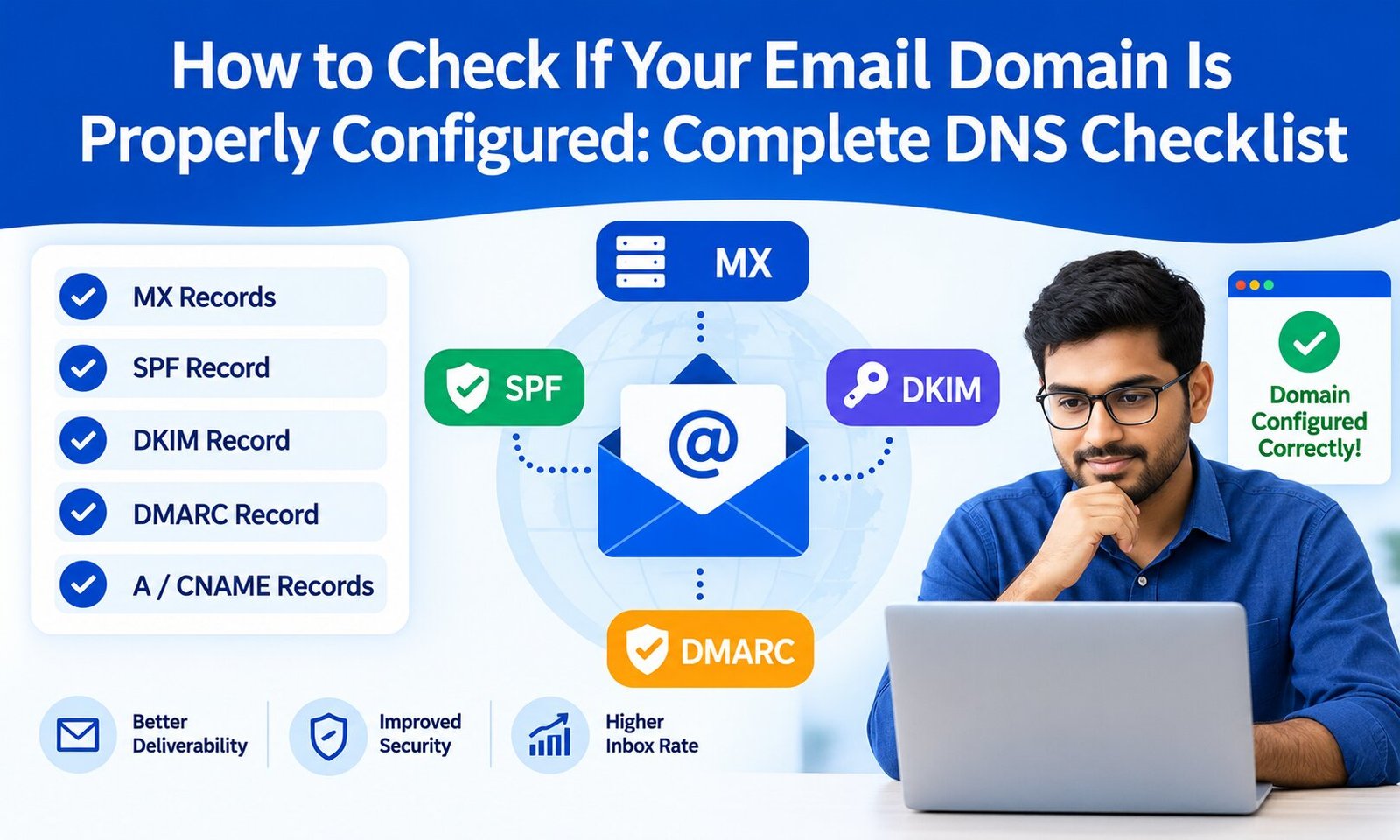
At minimum, make sure your sending infrastructure has the appropriate SPF and DKIM configuration. For bulk senders, Google requires SPF, DKIM, and DMARC, along with other requirements such as TLS and proper DNS configuration.
Your checklist should include:
- SPF record
- DKIM authentication
- DMARC record
- Valid forward and reverse DNS where applicable
- TLS-enabled email transmission
- Correct From domain alignment
- Properly configured sending platform
Do not begin high-volume sending until authentication is working correctly.
You can also review your existing database before sending. Removing invalid or risky addresses is an important part of protecting your new domain reputation. For a deeper explanation, see this guide on email verification and why it matters for deliverability.
Step 2: Start With Your Most Engaged Recipients
One of the biggest mistakes during domain warm-up is trying to reach your entire database immediately.
Instead, begin with recipients who are most likely to recognize your brand and interact with your emails.
For example, your first group could include:
- Recent subscribers
- Recent customers
- People who opened previous emails
- People who clicked previous campaigns
- Users who recently interacted with your website
These recipients are more likely to open, read, reply to, or click your messages.
Positive engagement can provide useful reputation signals, while sending large volumes to inactive or uninterested contacts can increase complaints and poor engagement.
Google recommends sending only to people who want to receive your messages and starting with low volume to engaged users before gradually increasing volume.
Step 3: Increase Sending Volume Gradually
There is no universal warm-up schedule that works for every domain.
Your ideal sending speed depends on factors such as your expected monthly volume, audience engagement, sending frequency, infrastructure, and previous domain history.
A practical approach is to start with a small, highly engaged segment and increase volume gradually as long as your metrics remain healthy.
For example, a business planning to send tens of thousands of emails shouldn’t move directly from a few hundred messages to its full database in one day.
Instead, think in stages:
Stage 1: Send to a small group of highly engaged contacts.
Stage 2: Increase the audience while continuing to monitor bounces, complaints, and engagement.
Stage 3: Introduce less-active segments gradually.
Stage 4: Move toward your normal sending volume only after performance remains stable.
The important principle is consistency. Google recommends avoiding sudden volume spikes and sending at a consistent rate rather than creating large bursts of traffic.
Step 4: Keep Your Email List Clean
A new domain can be damaged quickly by poor-quality recipient data.
Before and during warm-up, identify and remove:
- Invalid email addresses
- Repeated hard bounces
- Role-based addresses when they are inappropriate for your campaign
- Unsubscribed users
- Spam complaints
- Contacts who never consented to receive your messages
- Old, consistently inactive contacts
Never purchase email lists simply to increase your sending volume.
Google explicitly advises senders not to purchase email addresses and not to send messages to people who did not sign up to receive them.
A smaller, permission-based list is usually much better for a new domain than a large database filled with inactive or unverified contacts.
Step 5: Make Unsubscribing Easy
Warm-up isn’t about forcing recipients to stay subscribed. It is about building a reputation for sending relevant email to people who actually want it.
Every marketing email should provide a clear unsubscribe option.
For bulk senders, Google requires one-click unsubscribe for marketing and subscribed messages, and its current guidance also emphasizes honoring unsubscribe requests.
A simple unsubscribe process can reduce the likelihood that frustrated recipients will use the “Report spam” button instead.
This matters because spam complaints can negatively affect future inbox placement.
Step 6: Monitor Deliverability During Warm-Up
Don’t treat domain warm-up as a “set it and forget it” process.
Monitor your email performance throughout the ramp-up.
Important metrics include:
- Delivery rate
- Bounce rate
- Spam complaint rate
- Open rate
- Click-through rate
- Unsubscribe rate
- Deferrals and SMTP errors
- Inbox placement
- Domain and IP reputation
Google’s Postmaster Tools provides sender-related information, including authentication, spam rate, DNS, and compliance information for eligible traffic.
Google currently recommends keeping user-reported spam rates below 0.1% and avoiding rates of 0.3% or higher.
If your bounce or complaint rate suddenly increases, don’t continue increasing volume. Pause or reduce the sending rate, investigate the cause, and resume gradually after the problem is addressed.
Step 7: Maintain Consistent Sending Patterns
Another common mistake is warming up a domain for several days and then stopping completely for weeks.
Mailbox providers evaluate sending patterns over time. If email is part of your regular marketing strategy, establishing a predictable cadence is generally better than sending huge campaigns sporadically.
For example, instead of sending 50,000 emails once every few weeks, consider a consistent schedule that matches your audience’s expectations and your legitimate business requirements.
Your content should also remain relevant. Avoid suddenly changing from useful newsletters or customer communications to aggressive promotional campaigns immediately after warming up.
Common Email Warm-Up Mistakes to Avoid
Several practices can undermine your new domain reputation:
Sending thousands of emails immediately: Sudden volume increases can trigger delivery problems.
Using an unverified list: Invalid and unwanted recipients increase bounces and complaints.
Ignoring authentication: SPF, DKIM, and DMARC are fundamental components of modern email authentication.
Changing infrastructure repeatedly: Frequent changes to domains, IPs, or sending systems can make reputation management more complicated.
Using misleading subject lines: Your sender identity, subject, and content should accurately represent the email.
Ignoring unsubscribe requests: People who don’t want your emails should be able to leave easily.
Focusing only on open rates: Deliverability is broader than opens. Reputation, complaints, bounces, authentication, and recipient behavior all matter.
Final Thoughts
Warming up a new email domain is not about finding a magic number of emails to send each day. It is about gradually establishing trust through legitimate sending behavior.
Start with authentication. Use a permission-based and clean list. Begin with engaged recipients, increase volume gradually, maintain consistent sending patterns, and monitor your reputation throughout the process.
If your business relies heavily on bulk email, your SMTP infrastructure also deserves careful attention. A properly configured sending environment can help you manage authentication, volume, monitoring, and deliverability more effectively.
The safest strategy is simple: send only wanted email, increase volume slowly, monitor the results, and respond quickly when performance deteriorates.
With that approach, a new domain can build a healthy sender reputation without putting its long-term email deliverability at unnecessary risk.