Email deliverability problems can be frustrating. Your emails may be properly written, your SMTP server may be working, and your domain may have valid DNS records—yet messages can still land in spam or fail to reach recipients.
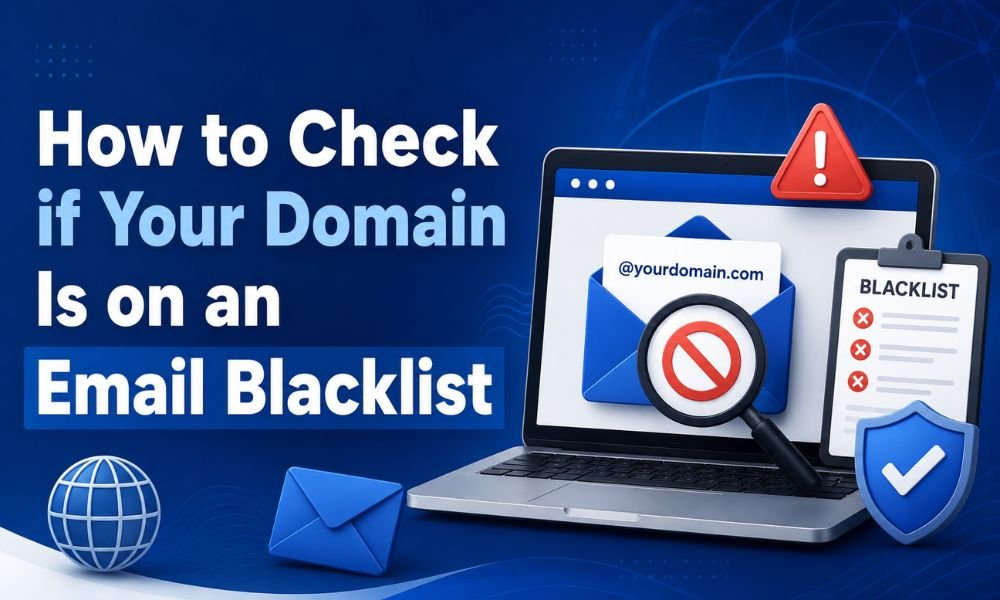
One possible reason is that your domain or sending IP address has been listed on an email blacklist, also called a blocklist.
Email blocklists are databases used by mail servers and security systems to identify domains, IP addresses, or other sending infrastructure associated with spam, malware, abusive behavior, or poor sending practices. A listing does not always mean your business is sending spam, but it can be an important warning sign that deserves investigation.
This guide explains how to check whether your domain is blacklisted, how to understand the results, and what you can do if your domain appears on a blocklist.
What Is an Email Blacklist?
An email blacklist, more accurately called an email blocklist, is a database used by receiving systems to identify potentially problematic senders.
Blocklists can contain:
- Sending IP addresses
- Domains
- Mail servers
- URLs
- Networks or autonomous systems
When a receiving mail server receives a message, it can compare the sender’s IP address or domain against one or more reputation databases. If there is a match, the receiving server may reject the message, quarantine it, or give it a higher spam score.
However, being listed on one blocklist does not automatically mean that every email provider will reject your messages. Different providers use different reputation signals, filtering systems, and policies.
That’s why blacklist monitoring should be treated as one part of an overall email deliverability strategy rather than the only measurement of sender reputation.
Domain Blacklist vs. IP Blacklist
Before checking your reputation, understand what you are actually investigating.
A domain blacklist identifies your domain or a domain associated with your email activity.
An IP blacklist identifies the IP address that sends your email.
For example, your website might use example.com, while your SMTP provider sends email through a separate IP address. In that situation, your domain and sending IP can have different reputations.
This distinction is important because changing your email provider may change your sending IP while your domain reputation remains the same.
Microsoft also notes that sender reputation can be affected by factors including the sending IP, domain, authentication, list quality, complaint rates, and message content.
How to Check if Your Domain Is Blacklisted
1. Identify Your Sending Domain and IP
Start by identifying the domain used in your email’s From: address and the actual server or SMTP service that sends your messages.
If you use a third-party SMTP provider, the sending IP may belong to that provider rather than your website hosting company.
Check your SMTP provider’s documentation or inspect the headers of a delivered email. Email headers can reveal information about the servers involved in sending and receiving the message.
If you operate your own mail server, identify its public sending IP address.
You may need to check both the domain and the IP address, because a problem with either can affect delivery.
2. Use a Reputable Blocklist Checker
One of the most useful places to start is the Spamhaus Reputation Checker. Spamhaus provides tools for checking whether an IP address or domain appears in its blocklists and reputation databases.
Enter your domain or sending IP into the checker and review the result.
If the checker reports no listing, that is a positive sign—but it does not guarantee inbox placement.
If your domain or IP is listed, note:
- The name of the list
- The reason for the listing
- The affected IP or domain
- Any recommended remediation steps
- Whether delisting instructions are available
Do not immediately assume that your entire email system is broken. First determine exactly what has been listed and why.
3. Check Multiple Reputation Sources
No single blacklist represents the entire email ecosystem.
Large mailbox providers use their own filtering and reputation systems in addition to external blocklists. Therefore, a domain can be absent from a public blacklist and still experience poor inbox placement.
For example, Google provides Postmaster Tools, which can show information about spam rates, authentication, domain reputation, IP reputation, and delivery errors for eligible mail sent to personal Gmail accounts.
This makes Postmaster Tools particularly useful when your main concern is Gmail delivery.
A good monitoring process therefore combines:
- Public blocklist checks
- Gmail Postmaster Tools
- SMTP bounce and rejection messages
- Authentication monitoring
- Complaint and spam-rate monitoring
- Bounce-rate analysis
- Delivery testing
4. Check Your Email Authentication
A blacklist check should not be performed in isolation.
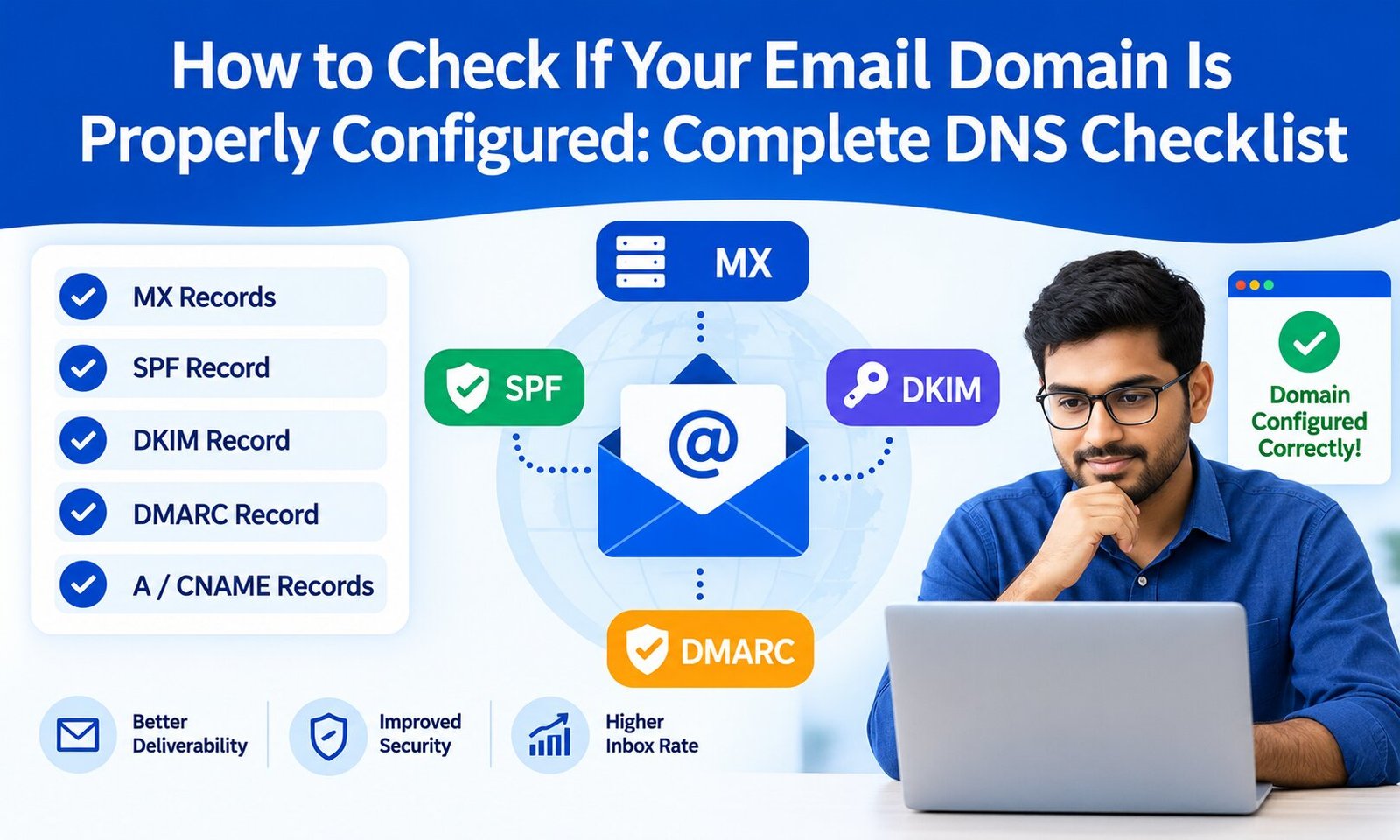
Your domain should have properly configured email authentication, including SPF, DKIM, and DMARC.
Google currently requires all senders to Gmail to use SPF or DKIM, while bulk senders have additional requirements including SPF, DKIM, and DMARC. Google also recommends keeping spam rates below 0.10% and avoiding rates of 0.30% or higher.
Authentication helps receiving servers determine whether messages are legitimately associated with your domain.
SPF
Sender Policy Framework (SPF) specifies which servers are authorized to send email for your domain.
DKIM
DomainKeys Identified Mail (DKIM) adds a cryptographic signature that allows receiving systems to verify that an authorized sender signed the message.
DMARC
Domain-based Message Authentication, Reporting, and Conformance (DMARC) builds on SPF and DKIM and allows domain owners to publish instructions for handling authentication failures.
If you’re unsure how these three technologies differ, understanding the differences between SPF, DKIM, and DMARC can help you identify configuration problems.
5. Look at Your SMTP Error Messages
If your emails are being rejected, don’t ignore the SMTP response.
A bounce message can tell you whether the problem is related to:
- IP reputation
- Domain reputation
- Authentication
- Recipient policy
- Spam filtering
- Rate limits
- Invalid recipients
- Temporary delivery failures
For example, a rejection mentioning a blocklist or poor sender reputation provides a much stronger clue than simply seeing an email marked as spam.
Keep copies of recent bounce messages and compare responses from different mailbox providers.
If you are experiencing repeated SMTP failures, reviewing common SMTP errors can help you distinguish a blacklist issue from another delivery problem.
Why Does a Domain Get Blacklisted?
There isn’t always one single cause.
Common causes include:
Sending unsolicited email
Sending messages to people who did not request them can generate spam complaints and damage sender reputation.
Purchased or outdated email lists
Poor-quality lists can contain inactive addresses, spam traps, or recipients who never gave permission to receive your messages.
Malware or compromised websites
If your website, server, or email account has been compromised, attackers may use your infrastructure to send unwanted messages.
Sudden sending-volume increases
A previously low-volume domain that suddenly starts sending a large number of messages can attract additional scrutiny.
Google recommends maintaining consistent sending patterns and gradually increasing volume rather than introducing sudden spikes.
Poor list hygiene
Repeatedly sending email to invalid or nonexistent addresses can increase bounce rates and contribute to poor reputation.
Misconfigured authentication
Incorrect SPF, DKIM, or DMARC configuration can make legitimate email appear suspicious.
Shared IP reputation
If you use shared SMTP infrastructure, other senders using the same IP can potentially affect its reputation.
What to Do If Your Domain Is Blacklisted
Don’t panic if you find a listing.
First, identify why the listing occurred.
If your server was compromised, secure it before requesting removal. Change affected passwords, investigate unauthorized accounts, scan the system, and stop abusive sending.
Next, review your mailing database. Remove invalid addresses and stop sending to recipients who have not provided appropriate permission.
You should also verify your SPF, DKIM, and DMARC records and make sure every legitimate email-sending service is properly authorized.
If the blocklist provides an official delisting process, follow its instructions. Some lists automatically remove listings after the underlying problem has been resolved, while others require a manual request.
Avoid repeatedly submitting removal requests without fixing the underlying cause. Otherwise, the listing may return.
How to Prevent Future Blacklist Problems
Prevention is more effective than repeatedly repairing your reputation.
Follow these practices:
- Send email only to recipients who expect it.
- Use permission-based mailing lists.
- Remove invalid addresses regularly.
- Monitor bounce and complaint rates.
- Configure SPF, DKIM, and DMARC.
- Keep your website and mail servers secure.
- Monitor your sending IP reputation.
- Avoid sudden increases in email volume.
- Provide an easy unsubscribe mechanism for marketing emails.
- Monitor Gmail Postmaster Tools when applicable.
- Investigate unusual SMTP activity immediately.
Google specifically recommends sending to recipients who want your messages, confirming recipient addresses, monitoring reputation, and avoiding sending practices that generate spam complaints.
For marketing and promotional email, Google also requires qualifying bulk senders to support one-click unsubscribe and honor unsubscribe requests within its specified requirements.
Does Being Blacklisted Mean Your Emails Will Always Go to Spam?
No.
This is an important distinction.
A blocklist listing is only one reputation signal. Different mailbox providers use different filtering systems, and some may not use a particular blocklist at all.
Likewise, being absent from major blocklists doesn’t guarantee inbox placement.
Mailbox providers consider numerous factors, including authentication, sending reputation, recipient engagement, complaints, message content, infrastructure, and sending behavior.
Therefore, the best approach is to monitor your complete email ecosystem rather than relying on a single blacklist test.
Final Checklist
If you suspect your domain has an email reputation problem, follow this sequence:
- Identify your sending domain.
- Identify the actual sending IP address.
- Check the domain and IP with reputable blocklist services.
- Review Gmail Postmaster Tools if you send to Gmail users.
- Examine recent SMTP bounce and rejection messages.
- Verify SPF, DKIM, and DMARC.
- Review your mailing list for invalid or unwanted recipients.
- Investigate possible compromised accounts or servers.
- Follow the blocklist’s official remediation and delisting process.
- Continue monitoring reputation after the issue is resolved.
A blacklist check is therefore not just a troubleshooting step—it is part of maintaining long-term email deliverability. If you regularly send transactional or marketing email, combining blocklist monitoring with authentication, list hygiene, reputation tracking, and responsible sending practices can significantly reduce the risk of future delivery problems.