Email deliverability is no longer simply about pressing “send” and hoping a message reaches the inbox. In 2026, mailbox providers are paying closer attention to authentication, sender reputation, spam complaints, engagement, sending behavior, and whether recipients actually want your emails.
For businesses that rely on newsletters, transactional messages, lead nurturing, or bulk email campaigns, poor deliverability can directly affect revenue and customer communication.
Google’s current sender guidance recommends keeping the user-reported spam rate below 0.10% and avoiding 0.30% or higher. For bulk senders, Gmail also requires stronger authentication and one-click unsubscribe for marketing and subscription messages.
Here are 15 practical strategies you can use to improve email deliverability in 2026.
1. Authenticate Your Sending Domain
The first step toward better deliverability is proving that your emails are genuinely authorized to come from your domain.
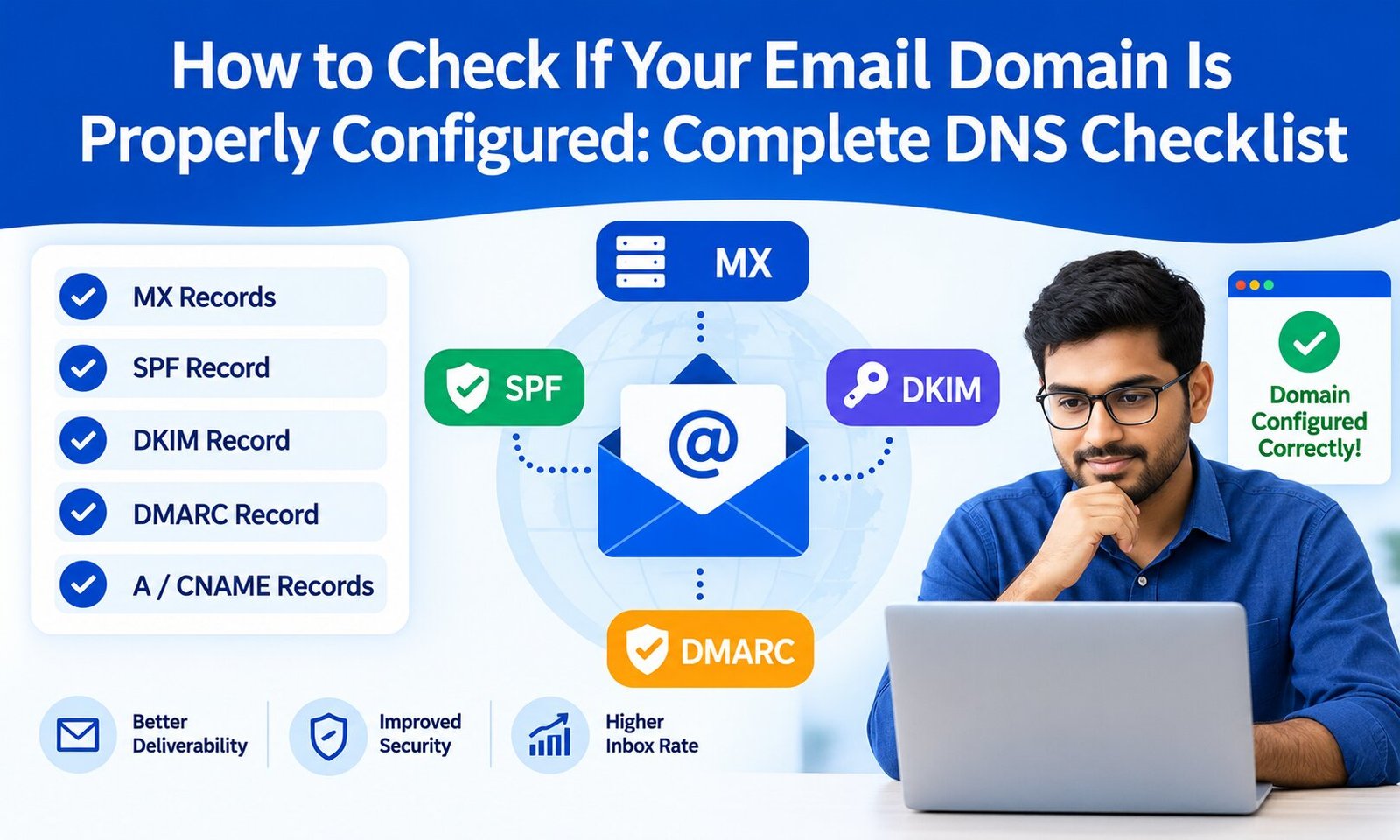
Configure SPF, DKIM, and DMARC correctly. SPF identifies authorized sending servers, DKIM adds a cryptographic signature to outgoing messages, and DMARC tells receiving servers how to handle authentication failures.
For bulk senders, Gmail requires SPF and DKIM, plus a DMARC policy of at least p=none, with appropriate alignment between the From domain and authenticated domain.
If you are unsure how these technologies work together, understanding the differences between SPF, DKIM, and DMARC is a useful starting point.
2. Use a Reputable SMTP Server
Your website’s default mail function may not be designed for reliable business email delivery. An SMTP service provides a more controlled infrastructure for sending and tracking messages.
Choose an SMTP provider based on authentication support, reputation, scalability, bounce handling, analytics, and technical support—not simply price.
For WordPress websites, configuring SMTP can also solve common problems where contact forms, password resets, or notifications fail to arrive.
3. Keep Your Spam Complaint Rate Extremely Low
Mailbox providers use recipient complaints as an important reputation signal.
Gmail recommends keeping the user-reported spam rate below 0.10% and avoiding 0.30% or higher.
The best way to achieve this is not to manipulate the metric but to send relevant emails to people who genuinely expect them.
Use permission-based lists, segment your audience, remove disengaged subscribers, and avoid misleading subject lines.
4. Send Only to Permission-Based Contacts
Buying email lists may appear to provide a shortcut to rapid growth, but it can damage sender reputation.
Instead, build lists through legitimate opt-in methods such as:
- Website subscription forms
- Product registrations
- Webinar registrations
- Lead magnets
- Customer accounts
- Explicit newsletter subscriptions
Google also recommends obtaining recipient consent and allowing users to unsubscribe from commercial messages.
A smaller, engaged list is usually more valuable than a huge list filled with inactive or uninterested contacts.
5. Verify Email Addresses Before Sending
Invalid, outdated, or mistyped addresses create hard bounces. A consistently high bounce rate can indicate poor list quality.
Use email verification before importing contacts into a campaign and apply double opt-in where appropriate.
Regularly remove:
- Invalid addresses
- Repeated hard bounces
- Disposable addresses when unsuitable
- Long-term inactive contacts
- Unsubscribed users
Email verification is particularly important when collecting leads from multiple sources.
6. Warm Up New Domains and IPs Gradually
Never move from almost no email activity to sending thousands of messages overnight.
Mailbox providers can view sudden volume increases as suspicious. Instead, gradually increase sending volume while monitoring bounce rates, complaints, and engagement.
This is especially important when launching a new domain, dedicated IP, or SMTP infrastructure.
A controlled warm-up gives mailbox providers time to establish a reputation for your sending infrastructure.
7. Maintain Consistent Sending Patterns
Consistency matters.
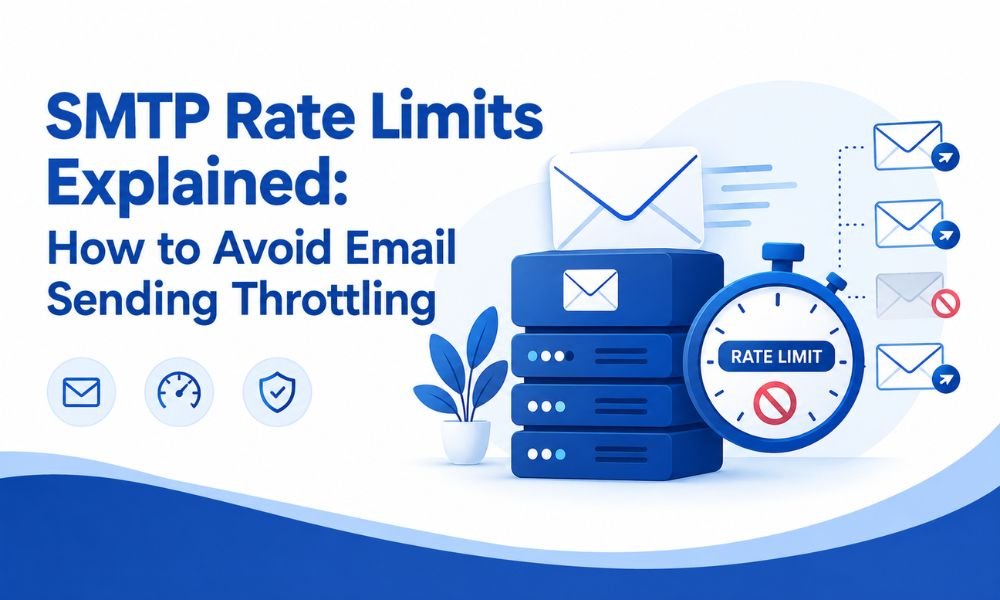
If you normally send 5,000 messages per week and suddenly send 100,000 in a single day, that unusual spike can create delivery problems.
Create a predictable schedule and increase volume progressively when necessary.
Gmail specifically advises senders to ramp up slowly because sudden increases in sending volume can contribute to delivery issues.
8. Make Unsubscribing Easy
A frustrating unsubscribe experience can turn an uninterested subscriber into a spam complainant.
For marketing and subscription emails, implement a functional one-click unsubscribe mechanism and include a clearly visible unsubscribe option in the message.
Gmail requires one-click unsubscribe for qualifying marketing and subscription messages sent by bulk senders, while Yahoo also requires easy unsubscribe functionality for promotional mail.
Do not hide the unsubscribe option or make users complete multiple unnecessary steps.
9. Monitor Your Domain and IP Reputation
Deliverability is closely connected to sender reputation.
Monitor your:
- Domain reputation
- IP reputation
- Spam complaints
- Bounce rate
- Authentication results
- Delivery errors
- Engagement trends
Google’s Postmaster Tools provides dashboards covering spam rate, reputation, authentication, and delivery errors for mail sent to personal Gmail accounts.
If your reputation suddenly falls, investigate the cause before increasing sending volume.
10. Use Google Postmaster Tools
If you send significant volumes to Gmail users, Google Postmaster Tools should be part of your regular monitoring process.
It can help you identify problems involving authentication, spam rates, domain reputation, and delivery errors.
However, remember that Postmaster Tools data is not real-time and applies to personal Gmail accounts, so it should complement—not replace—your own email analytics and monitoring systems.
11. Write Relevant, Honest Email Content
Deliverability is not only a technical issue.
Your content influences whether recipients engage with your emails or report them as spam.
Avoid deceptive subject lines, misleading sender names, fake urgency, and content that does not match what subscribers expected.
Google recommends clear subjects, accurate links, honest sender information, and content that aligns with the brand and website.
Focus on delivering something useful in every campaign.
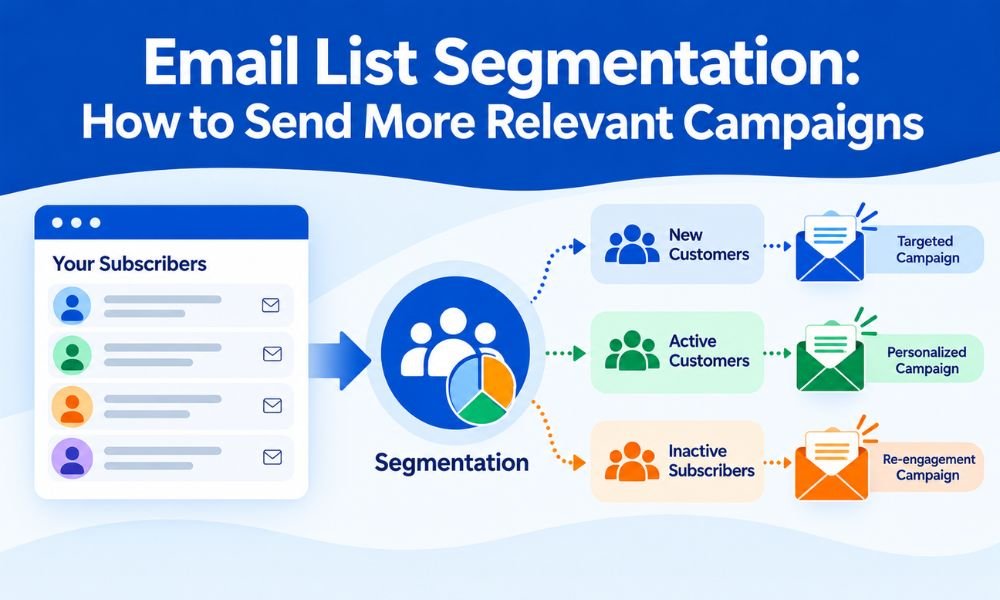
12. Segment Your Email Audience
Sending the same message to everyone can reduce engagement.
Instead, segment subscribers according to factors such as:
- Previous purchases
- Location
- Industry
- Product interest
- Website behavior
- Engagement level
- Customer lifecycle stage
A relevant email is more likely to be opened, clicked, and acted upon—and less likely to be reported as spam.
Segmentation can therefore improve both campaign performance and sender reputation.
13. Clean Your Email List Regularly
An email list naturally becomes less accurate over time.
People change jobs, abandon addresses, lose interest, or stop interacting with your business.
Run regular list-cleaning campaigns. Consider placing consistently inactive subscribers into a re-engagement sequence and eventually suppressing contacts who show no meaningful engagement.
Do not confuse a large database with a healthy database.
14. Monitor Bounces and Delivery Errors
A bounce is not just a number in an analytics dashboard. It can reveal a problem with your list, infrastructure, authentication, or sending practices.
Separate hard and soft bounces and investigate recurring SMTP errors.
For example, if your WordPress website suddenly stops sending contact-form messages, the underlying problem may involve SMTP configuration, authentication, hosting restrictions, or server-side mail settings. A practical troubleshooting guide such as why emails fail to send and how to troubleshoot can help identify common causes.
Track bounce trends rather than looking at individual failed messages in isolation.
15. Build Deliverability Into Your Overall Email Strategy
Finally, treat deliverability as an ongoing business process rather than a one-time technical configuration.
Every month, review:
Authentication: Is SPF, DKIM, and DMARC passing correctly?
Reputation: Are domain and IP reputation healthy?
Complaints: Are spam reports increasing?
Bounces: Are invalid addresses being removed quickly?
Engagement: Are subscribers still interacting with your content?
Volume: Have there been unusual sending spikes?
Unsubscribe: Are requests processed promptly?
Infrastructure: Is your SMTP provider reliable and properly configured?
For organizations sending large volumes, dedicated or specialized SMTP infrastructure may also be worth evaluating. The right setup depends on your sending volume, email type, technical resources, and reputation requirements.
Final Thoughts
Improving email deliverability in 2026 requires a combination of technical authentication, responsible list management, consistent sending behavior, relevant content, and continuous monitoring.
The most important lesson is simple: getting an email delivered is not the same as getting it into the inbox. Sustainable deliverability comes from earning the trust of mailbox providers and, more importantly, the people receiving your messages.
Start with SPF, DKIM, and DMARC. Then focus on permission-based lists, gradual sending, low complaint rates, easy unsubscribe options, list hygiene, and reputation monitoring.
If you consistently send wanted and useful emails from properly authenticated infrastructure, you give mailbox providers strong reasons to trust your messages—and your business a much better chance of reaching the inbox in 2026.