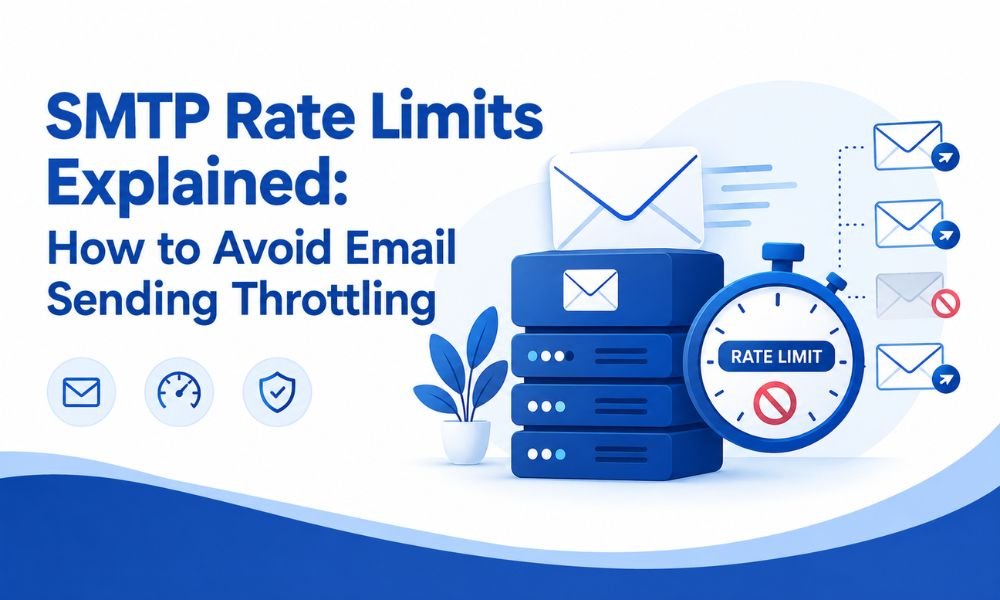
Sending emails at scale sounds simple: connect your application to an SMTP server, upload your recipient list, and start delivering messages. In practice, however, email providers place limits on how many messages you can send within a specific period. If you exceed those limits, your emails may be delayed, temporarily rejected, or even blocked.
These restrictions are known as SMTP rate limits or email sending throttling.
Whether you run an e-commerce store, SaaS platform, marketing campaign, or transactional email system, understanding SMTP rate limits is essential for maintaining reliable email delivery and protecting your sender reputation.
What Are SMTP Rate Limits?
SMTP rate limits define how many emails, connections, or messages a mail server allows you to send within a particular period.
For example, an SMTP provider might limit the number of messages you can send per minute, hour, or day. Some providers may also limit the number of simultaneous SMTP connections or recipients allowed in a single session.
The exact limits vary depending on:
- Your SMTP provider
- Your account or subscription plan
- Your sender reputation
- Your domain and IP reputation
- Recipient engagement
- Email authentication
- Sending volume and frequency
- Historical bounce and complaint rates
Importantly, there is no universal SMTP sending limit. Gmail, Microsoft, Amazon SES, SendGrid, Mailgun, and other providers use different policies and enforcement mechanisms.
Why Do SMTP Providers Use Rate Limits?
Email providers impose rate limits primarily to prevent abuse and maintain infrastructure stability.
Without throttling, malicious senders could send enormous volumes of spam in a short period. Rate limiting helps providers identify unusual sending patterns and protect their networks.
For legitimate businesses, rate limits also encourage responsible email practices.
A sudden jump from a few hundred emails per day to hundreds of thousands can look suspicious, particularly when a domain or IP address has little sending history.
This is why gradually increasing volume—commonly called email warm-up—is important when establishing a new sending infrastructure.
What Happens When You Exceed an SMTP Rate Limit?
When your sending activity exceeds a provider’s allowed threshold, several things can happen.
1. Temporary SMTP Errors
The receiving server may temporarily reject a message with a response indicating that you have exceeded a sending limit.
These are often temporary failures rather than permanent delivery failures.
2. Email Queuing and Delays
Your SMTP provider may place outgoing messages into a queue and deliver them gradually.
This can be acceptable for newsletters but problematic for time-sensitive transactional emails such as password resets, OTPs, invoices, and order confirmations.
3. Connection Throttling
Some providers restrict how many simultaneous connections your application can establish.
Opening too many connections at once can trigger throttling even when your overall daily sending volume is within your account’s limit.
4. Reputation Problems
Repeatedly hitting limits, generating high bounce rates, or sending unwanted email can damage your domain or IP reputation.
Poor reputation can eventually lead to more aggressive filtering and lower inbox placement.
For a deeper understanding of this issue, it’s useful to distinguish domain reputation from IP reputation, because both can influence how receiving servers evaluate your email traffic.
SMTP Rate Limits vs. Daily Sending Limits
These concepts are related but not identical.
A daily sending limit determines the maximum number of emails you can send during a particular day.
An SMTP rate limit generally controls the speed or frequency of your sending.
For example, imagine a provider permits 100,000 emails per day but limits you to 1,000 messages per minute.
You technically have permission to send 100,000 emails, but you cannot send all 100,000 simultaneously.
Your email system needs to spread the messages across the permitted sending window.
This distinction is particularly important for businesses sending large campaigns.
How to Avoid SMTP Sending Throttling
1. Understand Your Provider’s Limits
Start by checking your SMTP provider’s documentation and account dashboard.
Look for restrictions related to:
- Daily message volume
- Messages per minute
- Messages per hour
- Concurrent connections
- Recipients per message
- API or SMTP throughput
- New-account restrictions
Do not assume that upgrading your plan automatically removes every limit.
Some restrictions are related to reputation, compliance, or infrastructure rather than pricing.
2. Implement Email Throttling
If your application sends emails too quickly, introduce controlled throttling.
Instead of sending 20,000 messages simultaneously, distribute them over a longer period.
For example, your application could process a defined number of messages every minute while monitoring the SMTP server’s response.
A proper email queue is one of the most effective solutions because it separates your application from the actual delivery process.
3. Use Retry Logic for Temporary Failures
Temporary SMTP errors should not necessarily cause your application to permanently mark an email as failed.
Use a retry mechanism with exponential backoff.
For example:
- Attempt delivery.
- If the server temporarily rejects it, wait.
- Retry after a longer interval.
- Continue according to a defined retry policy.
- Permanently fail the message only after appropriate retry attempts.
This approach prevents your system from repeatedly hitting an already-throttled server.
4. Warm Up New SMTP Infrastructure
If you have a new domain or dedicated IP, avoid immediately sending your entire mailing database.
Begin with smaller volumes and gradually increase your sending activity.
Monitor:
- Bounce rates
- Spam complaints
- Delivery rates
- Opens and clicks
- Deferrals
- Authentication results
A controlled warm-up gives receiving providers time to establish confidence in your sending behavior.
5. Authenticate Your Domain
Email authentication is a fundamental part of modern email delivery.
Configure SPF, DKIM, and DMARC correctly for your domain.
These technologies help receiving providers verify that your messages are authorized and have not been improperly modified or spoofed.
Authentication does not eliminate SMTP rate limits, but it can contribute to stronger trust and better deliverability.
6. Keep Your Email List Clean
Sending repeatedly to invalid or inactive addresses can increase bounce rates and hurt your sender reputation.
Regularly remove:
- Invalid addresses
- Repeated hard bounces
- Spam traps
- Unengaged recipients
- Fake or disposable addresses where appropriate
Email verification can also help identify problematic addresses before they enter your active mailing list.
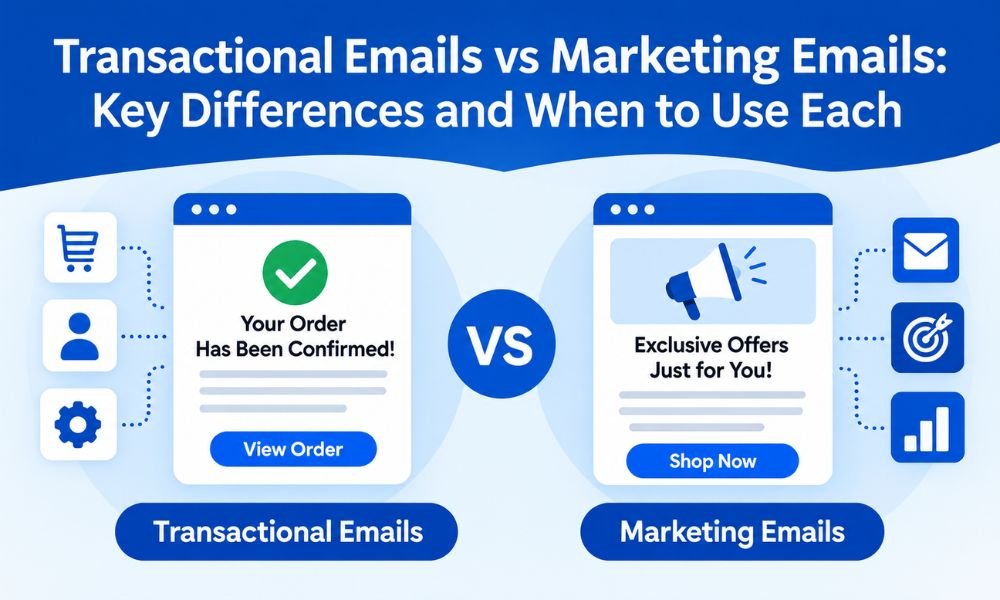
7. Separate Transactional and Marketing Email
Not every email has the same urgency.
Transactional messages such as order confirmations, password resets, account notifications, and invoices should generally be treated differently from promotional newsletters.
Separating these streams can make it easier to prioritize critical messages and manage sending capacity.
You can learn more about the distinction in this guide to transactional vs. marketing emails.
What Is a Good Email Sending Rate?
There is no single “perfect” sending rate.
A suitable rate depends on your provider, infrastructure, reputation, recipient engagement, and email type.
For example, a business sending a few thousand transactional emails per day has very different requirements from an e-commerce company sending millions of marketing messages.
The goal should not simply be to maximize emails per minute.
Instead, focus on consistent, predictable, and sustainable delivery.
A slower sending rate with excellent inbox placement is often more valuable than extremely fast sending followed by throttling and reputation problems.
How to Monitor SMTP Throttling
Effective monitoring can help identify problems before they become serious.
Track metrics such as:
- SMTP response codes
- Delivery and deferral rates
- Bounce rates
- Complaint rates
- Queue size
- Average delivery time
- Messages sent per minute
- Messages sent per hour
- Authentication failures
- Domain and IP reputation
If you notice increasing deferrals or temporary SMTP errors, investigate your sending rate before simply increasing server capacity.
Your infrastructure may be capable of sending millions of messages, but receiving providers ultimately determine how much traffic they are willing to accept.
When Should You Upgrade Your SMTP Service?
An upgrade may make sense when your business has consistently reached its provider’s legitimate throughput limits.
However, upgrading should not be the first response to every throttling problem.
Before increasing your plan, check whether the underlying issue is:
- Poor sender reputation
- High bounce rates
- Incorrect authentication
- Sudden volume spikes
- Poor list quality
- Excessive concurrent connections
- Incorrect retry behavior
- Poorly configured SMTP software
If your infrastructure and sending practices are healthy, a higher-throughput SMTP service may provide additional capacity.
Final Thoughts
SMTP rate limits are not simply an obstacle to sending more emails. They are an important part of the email ecosystem designed to control traffic, reduce abuse, and protect receiving infrastructure.
The most reliable approach is to understand your provider’s limits, use an email queue, throttle sending speed, implement intelligent retries, authenticate your domain, maintain a clean mailing list, and gradually increase volume.
Most importantly, don’t measure email success only by how quickly you can send messages. Sustainable deliverability, strong sender reputation, and consistent inbox placement matter far more.
By treating SMTP sending as a controlled delivery process rather than a race to send the maximum number of emails, businesses can reduce throttling, improve reliability, and build a healthier long-term email infrastructure.