Email sender reputation is one of the most important factors affecting whether your emails reach the inbox or end up in spam. Whether you send newsletters, transactional emails, promotional campaigns, or bulk business emails, your sender reputation can directly influence email deliverability and engagement.
A strong reputation tells email providers such as Gmail, Outlook, and Yahoo that your messages are legitimate and wanted. A poor reputation can result in spam placement, delayed delivery, bounced emails, or even blocked messages.
In this guide, you’ll learn what email sender reputation means, how it works, how to check it, what damages it, and the practical steps you can take to improve it.
What Is Email Sender Reputation?
Email sender reputation is a measure of how trustworthy your email-sending identity appears to mailbox providers.
Think of it like a credit score for email sending. If you consistently send wanted emails to engaged recipients, maintain good list hygiene, authenticate your domain, and generate few spam complaints, your reputation is likely to remain healthy.
On the other hand, high bounce rates, spam complaints, poor-quality email lists, suspicious sending patterns, and authentication failures can damage your reputation.
Your reputation can be associated with different parts of your sending infrastructure, including:
- Your sending domain
- Your IP address
- Your email-sending practices
- Your authentication configuration
- Your recipients’ engagement with your messages
Importantly, there isn’t one universal “sender reputation score” used by every mailbox provider. Different providers evaluate different signals when deciding whether to accept, filter, or deliver an email.
Why Is Email Sender Reputation Important?
A good sender reputation improves your chances of reaching the inbox consistently.
For businesses, this matters because email is often used for:
- Customer communication
- Order confirmations
- Password resets
- Lead nurturing
- Marketing campaigns
- Product announcements
- SaaS notifications
- Internal business communication
Even technically correct emails can have delivery problems if the sender has a poor reputation.
For example, if a company repeatedly emails inactive addresses, receives a high number of spam complaints, and sends campaigns without proper authentication, mailbox providers may become less willing to trust future messages from that sender.
Sender reputation therefore supports a larger goal: reliable email deliverability.
What Factors Affect Sender Reputation?
Several signals can influence how mailbox providers evaluate your sending reputation.
1. Spam Complaints
When recipients mark your emails as spam, it sends a strong negative signal.
A few complaints may not necessarily destroy your reputation, but consistently high complaint rates can make inbox providers suspicious of your sending practices.
The best solution is to send relevant emails only to people who have reasonably expected to hear from you.
2. Email Bounce Rate
Bounces happen when an email cannot be delivered.
Hard bounces are particularly important because they can indicate invalid, outdated, or nonexistent addresses. Repeatedly sending to bad addresses can hurt your overall sending reputation.
Regularly remove invalid addresses and avoid purchasing low-quality email lists.
3. Recipient Engagement
Mailbox providers can consider signals such as whether recipients open, read, reply to, delete, or otherwise interact with emails.
Engagement isn’t simply about maximizing opens. The broader objective is to consistently send useful messages to recipients who want them.
4. Authentication
Email authentication helps receiving servers determine whether a message is authorized to represent your domain.
The three core technologies are:
- SPF — identifies authorized sending servers.
- DKIM — adds a cryptographic signature to verify message integrity and domain association.
- DMARC — tells receiving servers how to handle messages that fail authentication and provides reporting capabilities.
Correctly implementing these records is an important part of establishing a trustworthy sending infrastructure.
5. Sending Volume and Consistency
Sudden, unexplained increases in email volume can look suspicious.
This is especially important for a new domain or IP address. Businesses moving from occasional emails to large campaigns should gradually establish a sending history rather than immediately sending huge volumes.
This process is commonly known as email warm-up.
6. Spam Traps and Poor-Quality Lists
Spam traps are email addresses used by organizations and mailbox providers to identify problematic senders.
Sending to old, scraped, purchased, or poorly maintained lists increases the risk of encountering problematic addresses.
Permission-based email collection and regular list cleaning are much safer approaches.
How to Check Your Email Sender Reputation
There isn’t a single tool that provides a universal reputation score across all mailbox providers. Instead, use several sources of information to understand how your domain and IP are performing.
Check Google Postmaster Tools
For qualifying senders, Google Postmaster Tools can provide valuable information about Gmail-related email performance, including reputation and delivery-related signals.
It can be particularly useful if Gmail represents a significant portion of your audience.
Look at trends rather than obsessing over one isolated result. A sudden reputation decline alongside increased spam complaints or authentication problems deserves investigation.
Check Your Domain and IP for Blacklisting
Blacklist monitoring can help identify whether your sending IP or domain appears on known blocklists.
However, being listed on a particular blocklist does not automatically mean every mailbox provider will reject your email. Blocklists differ in purpose, reputation, and impact.
Use blacklist results as an investigation signal rather than treating one listing as a universal diagnosis.
Monitor Bounce and Complaint Rates
Your email service provider should provide campaign-level delivery information.
Track metrics such as:
- Hard bounce rate
- Soft bounce rate
- Spam complaints
- Delivery rate
- Engagement
- Unsubscribe rate
Looking at these metrics over time can reveal reputation problems before they become serious.
How to Improve Email Sender Reputation
Improving sender reputation isn’t usually a one-time fix. It requires consistent sending practices.
1. Authenticate Your Domain
Set up SPF, DKIM, and DMARC correctly.
Don’t simply add records because they are recommended. Make sure they accurately reflect your current email-sending services and infrastructure.
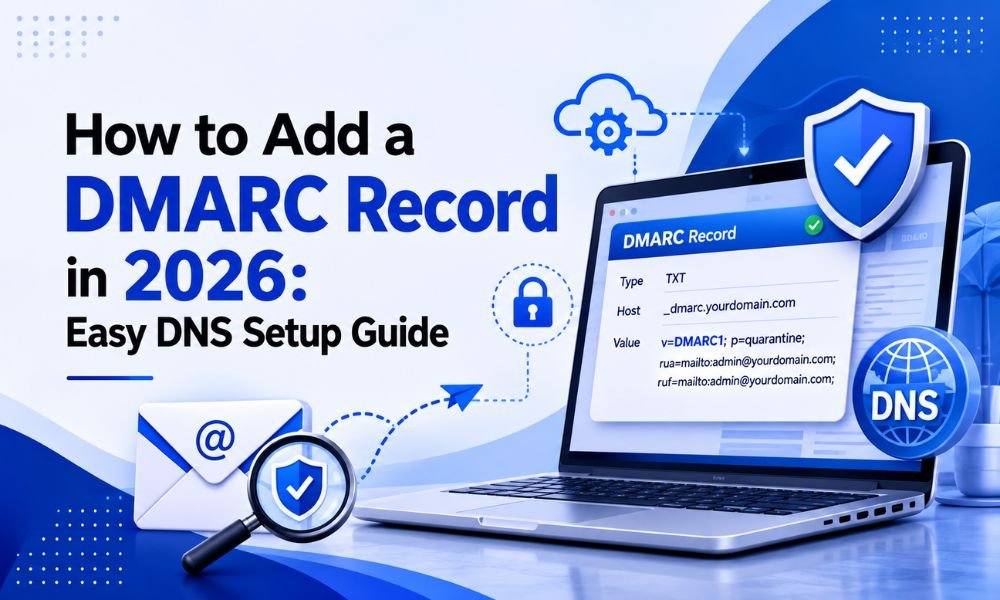
For a practical starting point, see our guide on how to set up a DMARC record.
2. Send Only to Engaged and Permission-Based Contacts
Never treat a large email list as automatically valuable.
Remove invalid addresses, suppress repeated bounces, and consider re-engagement campaigns for subscribers who haven’t interacted with your emails for a long period.
Quality is generally more valuable than raw list size.
3. Keep Sending Patterns Consistent
Avoid sending an unusually large campaign immediately from a new domain or IP.
Build volume gradually and maintain predictable sending patterns. If your organization needs to scale substantially, plan the transition rather than changing everything overnight.
4. Make Unsubscribing Easy
A visible unsubscribe option helps recipients leave your list without resorting to the spam button.
For marketing messages, make your subscription expectations clear and respect unsubscribe requests promptly.
5. Write Relevant Emails
Content quality matters because recipients ultimately decide whether they want your messages.
Use clear subject lines, avoid misleading claims, segment your audience when appropriate, and send information that matches what subscribers expected when they signed up.
6. Monitor Your Reputation Continuously
Don’t wait until customers complain that emails aren’t arriving.
Create a routine for monitoring:
- Domain reputation
- IP reputation
- Bounce rates
- Spam complaints
- Authentication
- Blocklist status
- Engagement trends
If you use multiple email platforms, evaluate each sending stream separately when possible.
Email Sender Reputation vs. IP Reputation
Sender reputation and IP reputation are related, but they aren’t exactly the same.
IP reputation focuses primarily on the reputation associated with the IP address sending your messages.
Sender or domain reputation can reflect broader signals connected to your domain and sending behavior.
Shared email infrastructure can also make reputation management different from using a dedicated IP. A dedicated IP gives a business more control over its sending identity, but it also means the business is responsible for building and maintaining that IP’s reputation.
Therefore, simply purchasing a dedicated IP isn’t a guaranteed solution to deliverability problems.
What Is a Good Sender Reputation?
There is no single universal number that qualifies as “good” across every mailbox provider.
Instead, look for healthy, consistent trends:
- Low spam complaint levels
- Low hard-bounce rates
- Correct authentication
- Stable sending patterns
- Good recipient engagement
- Few serious delivery problems
- No unexplained reputation declines
Your goal should be sustainable inbox placement rather than chasing a particular score.
Final Thoughts
Email sender reputation is the result of your overall email-sending behavior. Authentication, list quality, spam complaints, bounce rates, recipient engagement, sending volume, and content relevance can all contribute to how mailbox providers evaluate your messages.
The most effective strategy is straightforward: send wanted emails, maintain a clean list, authenticate your domain, scale volume responsibly, monitor performance, and respond quickly when reputation signals deteriorate.
If you’re experiencing delivery problems, don’t immediately assume that changing SMTP providers will solve everything. First identify the underlying issue and determine whether it involves authentication, infrastructure, list quality, content, recipient engagement, or reputation.
With consistent monitoring and responsible sending practices, businesses can build a more trustworthy sending identity and improve their chances of reaching the inbox over the long term.