Google Search Console (GSC) is one of the most valuable free tools for understanding how your website performs in Google Search. Whether you manage a small business website, WordPress site, eCommerce store, or a large content platform, Search Console can help you identify technical SEO problems, monitor indexing, analyze search performance, and understand how Google sees your website.
However, simply connecting your website to Search Console is not enough. To get real SEO value from it, you need to know which reports matter, how to interpret the data, and what actions to take when problems appear.
This guide explains how to use Google Search Console strategically for technical SEO success, from indexing and crawling to Core Web Vitals and search performance.
What Is Google Search Console?
Google Search Console is a free service from Google that helps website owners monitor their site’s presence in Google Search.
It provides information about:
- Search impressions and clicks
- Average search position
- Search queries bringing visitors to your website
- Indexed and non-indexed pages
- Crawl and indexing issues
- Sitemap status
- Mobile usability signals
- Core Web Vitals
- Structured data and enhancement issues
- Security and manual actions
The most important point is that Search Console is not simply an analytics dashboard. It is a diagnostic tool that can help you discover problems preventing important pages from being crawled, indexed, or performing effectively in organic search.
1. Start With the Performance Report
The Performance report is one of the first places to check when analyzing your SEO results.
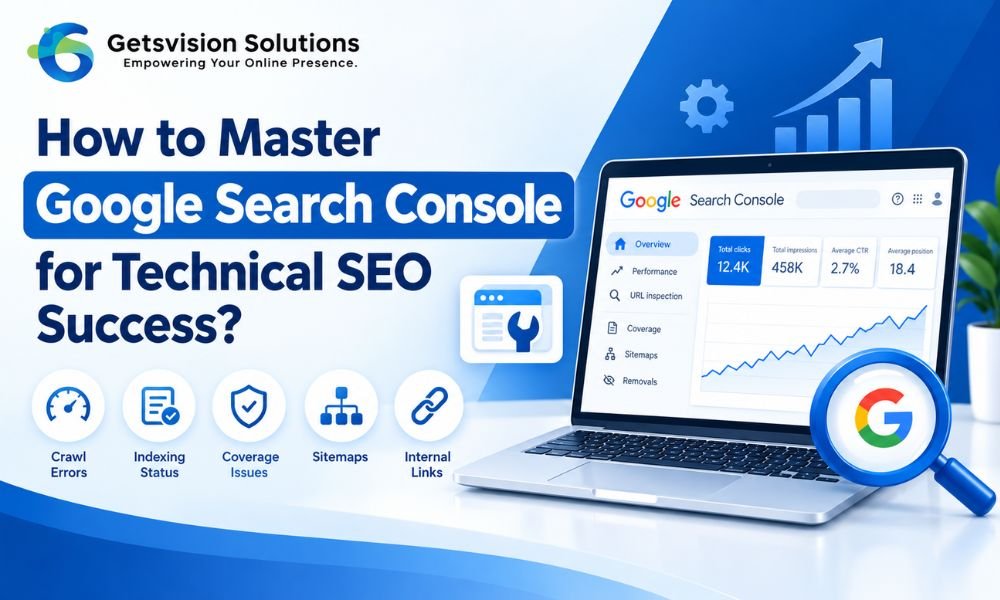
You can evaluate four important metrics:
Total clicks: How many users clicked your pages from Google Search.
Total impressions: How frequently your pages appeared in search results.
Average CTR: The percentage of impressions that resulted in clicks.
Average position: The average position of your website or page for the selected search queries.
Instead of looking only at total clicks, examine the relationship between these metrics.
For example, a page receiving thousands of impressions but very few clicks may have an opportunity to improve its title, meta description, search intent alignment, or SERP positioning.
Similarly, a page ranking around positions 8–20 may represent a strong optimization opportunity. Improving its content, internal linking, technical accessibility, and relevance could potentially help it reach more prominent positions.
2. Use Search Console to Find Indexing Problems
A technically optimized website cannot perform well in organic search if Google cannot properly discover and index its important pages.
The Page Indexing report helps you understand which URLs Google has indexed and which ones have been excluded.
Common reasons for exclusion include:
- Crawled but currently not indexed
- Discovered but currently not indexed
- Duplicate content
- Alternate page with proper canonical tag
- Page blocked by robots.txt
- Page with a noindex directive
- Redirected page
- Server errors
- Soft 404 pages
Do not automatically assume every excluded URL is a problem. Some pages should intentionally remain outside Google’s index, such as certain administrative pages, duplicate URLs, or low-value utility pages.
The goal is to determine whether important, search-focused URLs are being excluded unnecessarily.
3. Check Your XML Sitemap
Your XML sitemap provides search engines with information about the URLs you consider important.
Search Console’s Sitemaps report allows you to submit and monitor your sitemap.
A healthy sitemap should generally contain canonical, indexable URLs that you actually want Google to discover and rank.
Avoid filling your sitemap with URLs that:
- Redirect to another page
- Return 404 errors
- Are blocked from crawling
- Contain a noindex directive
- Are duplicate versions of other URLs
Keeping your sitemap clean makes it easier to identify genuine indexing problems.
4. Investigate URL-Level Problems With URL Inspection
The URL Inspection tool is particularly useful when you need to troubleshoot an individual page.
Enter a URL and Search Console can provide information about Google’s ability to access and index it.
You can use this process when:
- A newly published page is not appearing in Google
- An important page suddenly disappears from search
- You changed a canonical URL
- You updated important content
- You want to understand Google’s indexed version of a URL
If you have recently made major changes to your website structure, URL inspection can also help you verify whether important pages are accessible to Google.
5. Monitor Core Web Vitals
Technical SEO is not only about crawling and indexing. User experience also matters.
The Core Web Vitals report helps website owners identify real-world performance issues involving important user experience signals.
Pay particular attention to:
- Loading performance
- Responsiveness
- Visual stability
Poor performance can create a frustrating experience, particularly for mobile users.
To improve technical performance, review areas such as image optimization, unnecessary JavaScript, CSS delivery, server response time, caching, third-party scripts, and hosting infrastructure.
However, avoid optimizing for metrics in isolation. The ultimate goal is a website that is fast, stable, accessible, and useful to real visitors.
6. Analyze Internal Linking and Site Architecture
Search Console can help you identify which pages are receiving search visibility, but your broader technical SEO strategy should also consider how pages connect with each other.
A logical website architecture helps users and search engines understand the relationship between topics.
For example, a website might organize content like this:
SEO → Technical SEO → Crawling → Indexing → Search Console
This structure creates clear topical relationships and makes it easier to build relevant internal links.
For a deeper understanding of how URLs and website structure influence SEO, see our guide to site architecture and URL structure best practices.
When creating internal links, prioritize relevance rather than adding links simply for SEO. The anchor text should naturally describe the destination page and help users understand what they will find after clicking.
7. Use Search Console After Google Algorithm Updates
When Google releases a major ranking update, Search Console can help you evaluate whether your website’s organic performance has changed.
Instead of immediately changing dozens of pages, compare:
- Clicks before and after the update
- Impressions before and after the update
- Queries losing visibility
- Pages experiencing significant declines
- Pages gaining visibility
- Changes across devices and countries
A ranking decline does not automatically mean your website has received a penalty.
Search results are competitive, and Google’s systems continuously evaluate relevance, quality, usefulness, and many other signals.
For this reason, use Search Console data as evidence before making major SEO decisions. You can also review our guide on Google Core Updates and how they can affect your website.
8. Combine Search Console Data With Real SEO Analysis
Search Console becomes much more powerful when you combine its data with actual website analysis.
For example, if a page has high impressions but a low CTR, investigate its search intent and SERP presentation.
If a page receives no impressions, check whether it is indexed, internally linked, technically accessible, and targeting a meaningful search query.
If rankings suddenly decline, investigate technical changes, content changes, search intent, competitors, and broader algorithm changes rather than assuming one issue is responsible.
This approach reflects an important SEO principle: data should guide your investigation, not replace human judgment.
9. Create a Regular Google Search Console Workflow
You do not need to spend hours inside Search Console every day.
A practical SEO workflow could include:
Weekly: Check major indexing problems, unusual traffic changes, and newly published pages.
Monthly: Review search queries, CTR opportunities, ranking changes, Core Web Vitals, and sitemap status.
After major website changes: Inspect important URLs, review indexing, verify redirects, and check canonicalization.
After significant Google updates: Compare performance trends and investigate pages or query groups experiencing meaningful changes.
Consistency is more valuable than checking every report without taking action.
Final Thoughts
Google Search Console is one of the most useful tools for technical SEO because it provides direct insights into how Google discovers, crawls, indexes, and displays your website.
The key to mastering it is not simply knowing where every report is located. The real skill is connecting Search Console data with technical SEO decisions.
Use Performance reports to identify opportunities, Indexing reports to uncover accessibility problems, URL Inspection to troubleshoot individual pages, Sitemaps to maintain clean URL discovery, and Core Web Vitals to monitor important user-experience issues.
Most importantly, do not treat every warning as an emergency. Prioritize problems that affect your important, indexable, revenue-generating, or strategically valuable pages.
When you consistently monitor Search Console and combine its data with sound technical SEO practices, you can identify problems earlier, make more informed optimization decisions, and build a website that is easier for both search engines and users to understand.